Unlock Your Galaxy’s Charm: Why Muntheme Delivers the Best Samsung Themes
Discover why Muntheme stands out as the premier choice for personalizing your Samsung Galaxy. We offer unmatched quality, delightful variety, and dedicated support to make


Did you know you can try Samsung Themes before buying? This is a great way to make sure the colors, icons, and wallpapers truly match your style before spending any money. In this guide, we’ll show you exactly how to test a theme on your Samsung phone using the built-in 10-minute trial feature.
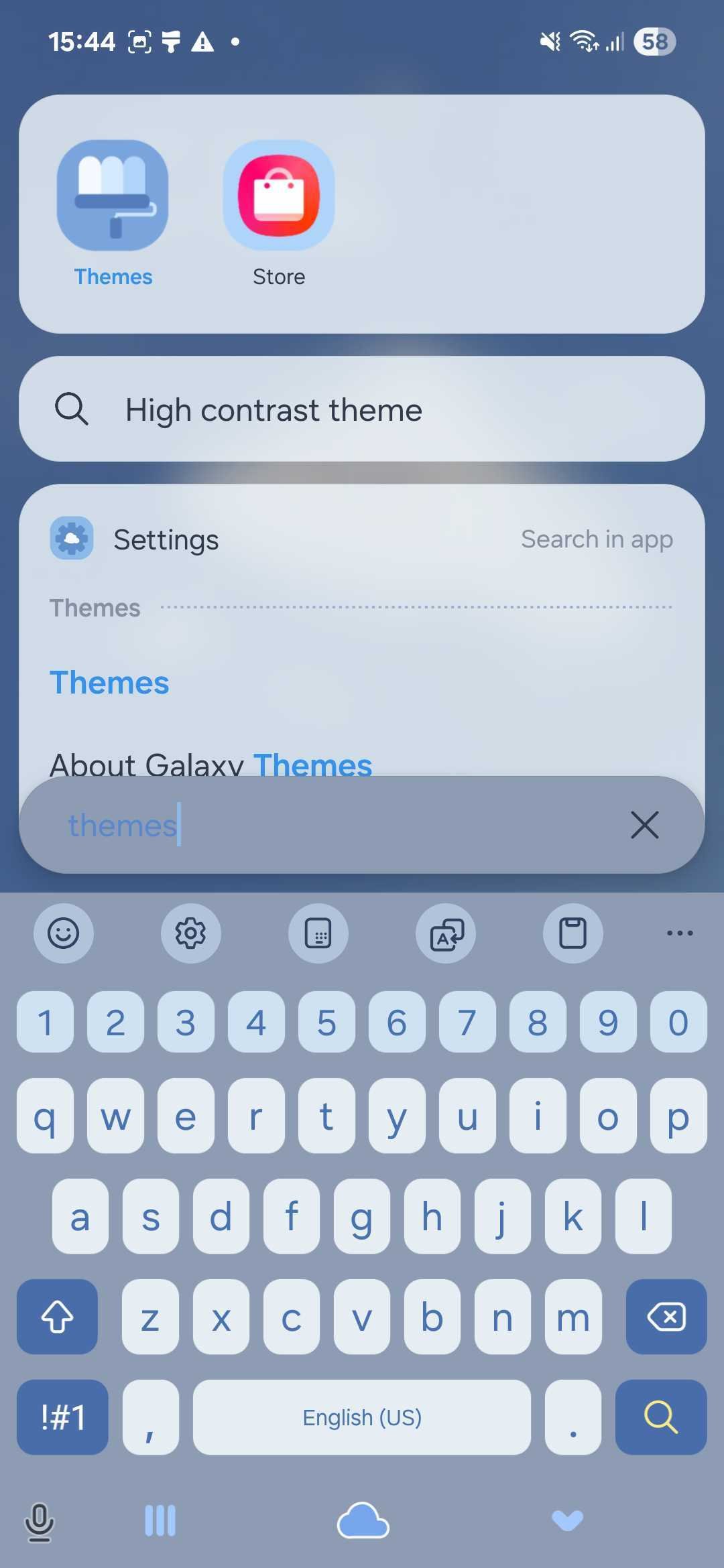
There are two simple ways to open the Samsung Themes app:
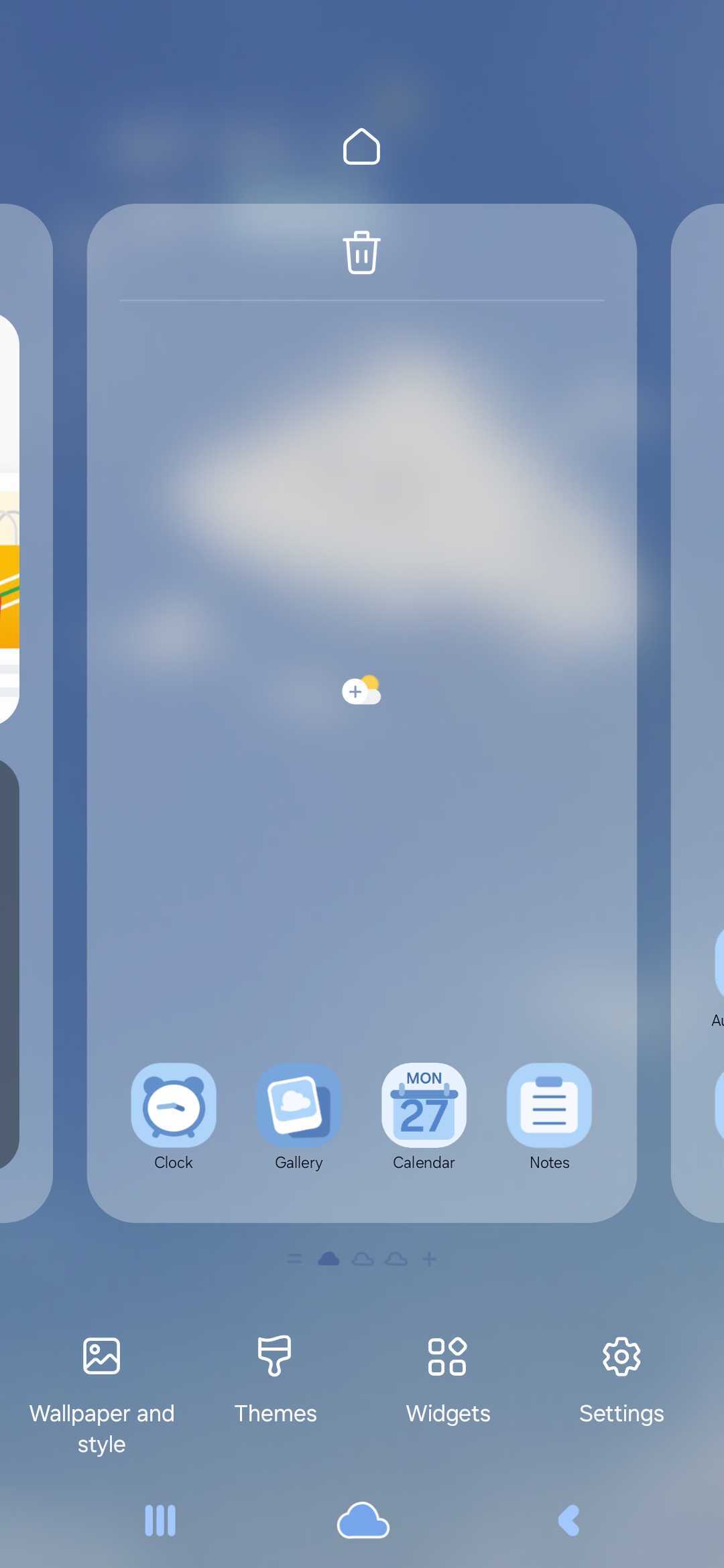
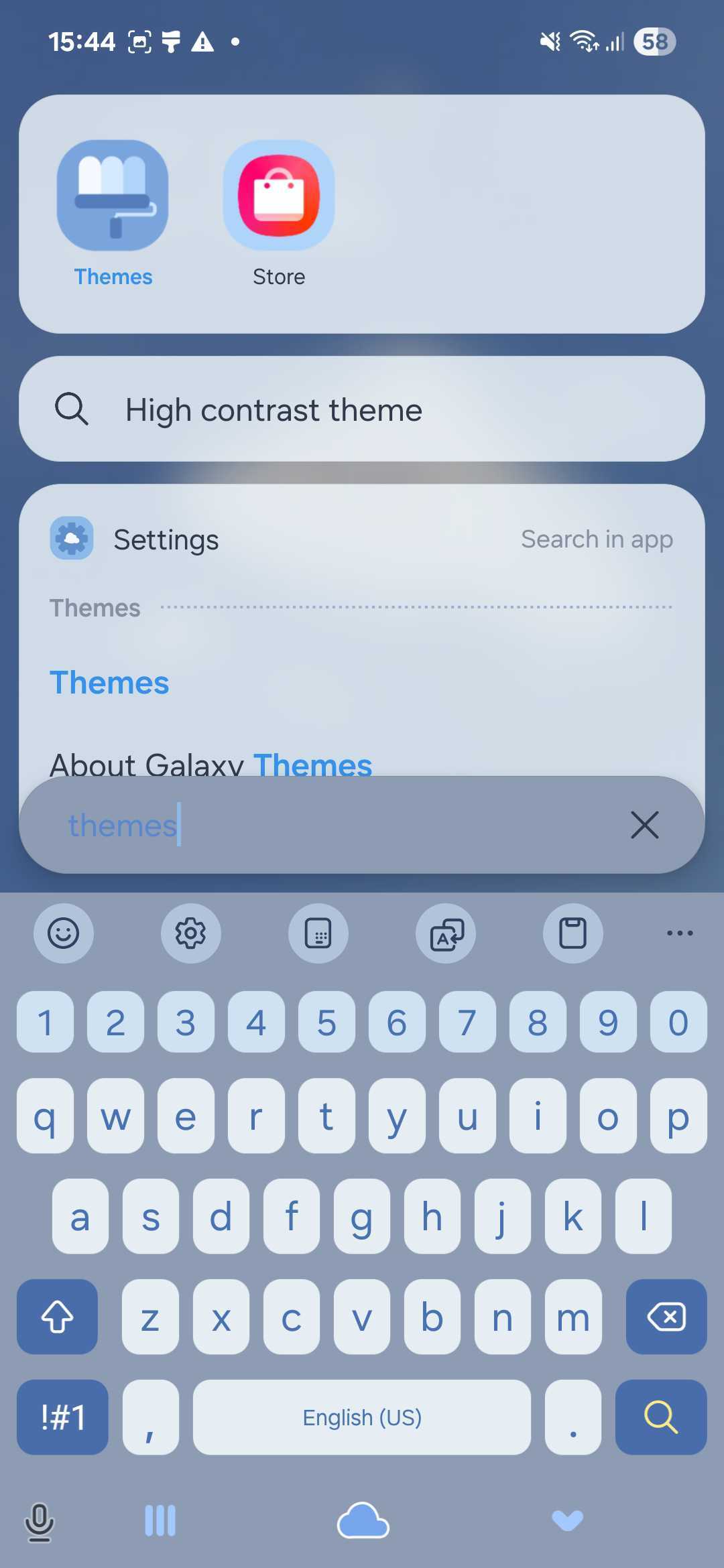
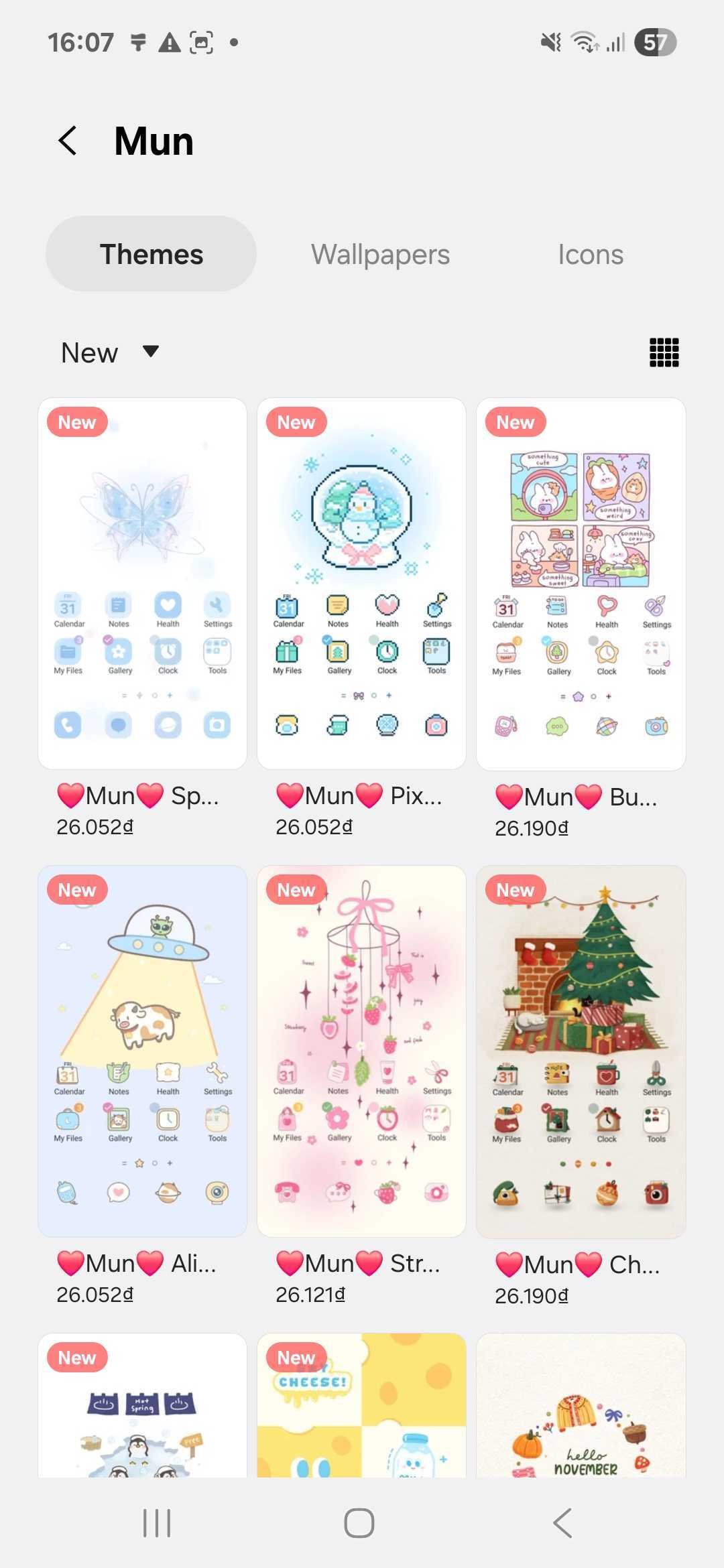
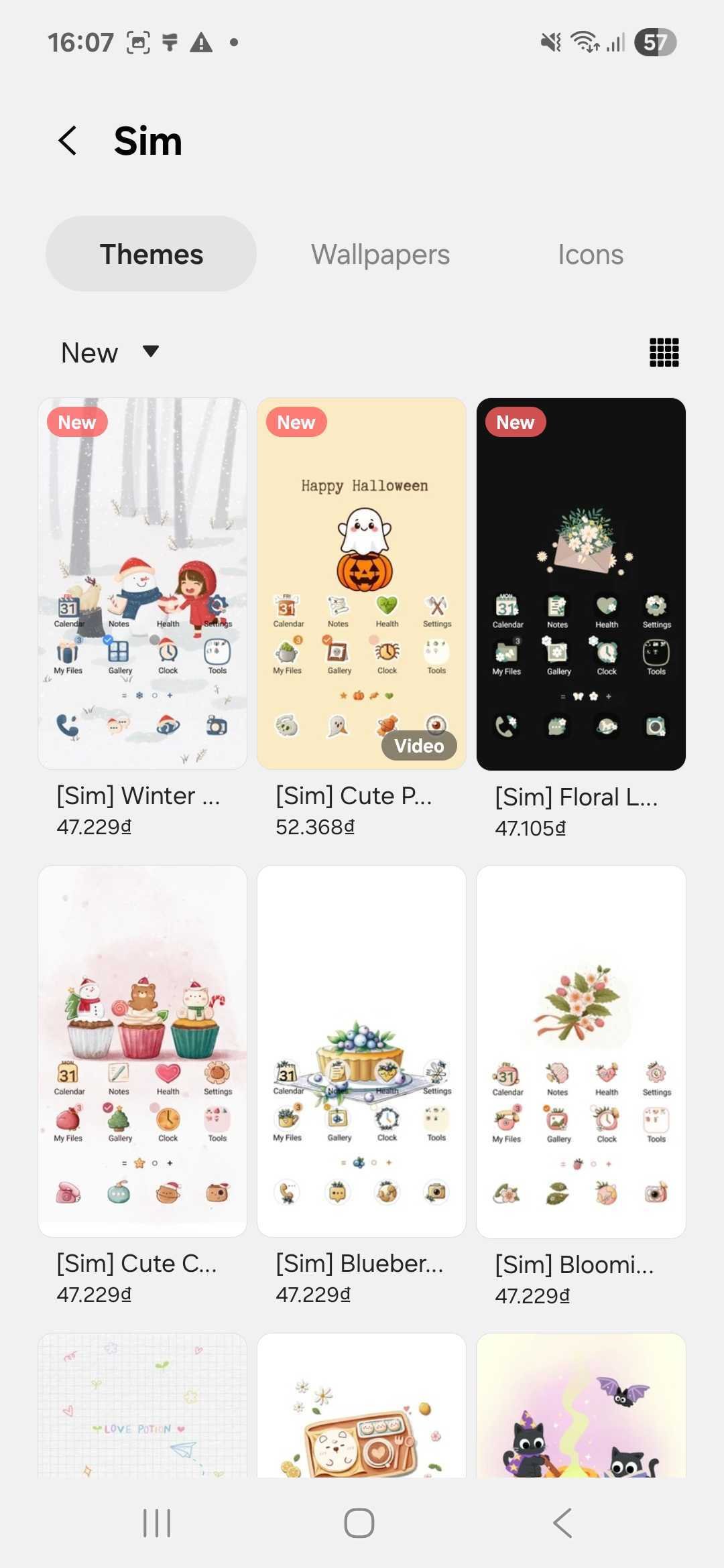
Once the app is open, you’ll see a variety of themes to explore. You can search by name or browse featured designs. For high-quality, stylish options, check out our theme stores below:

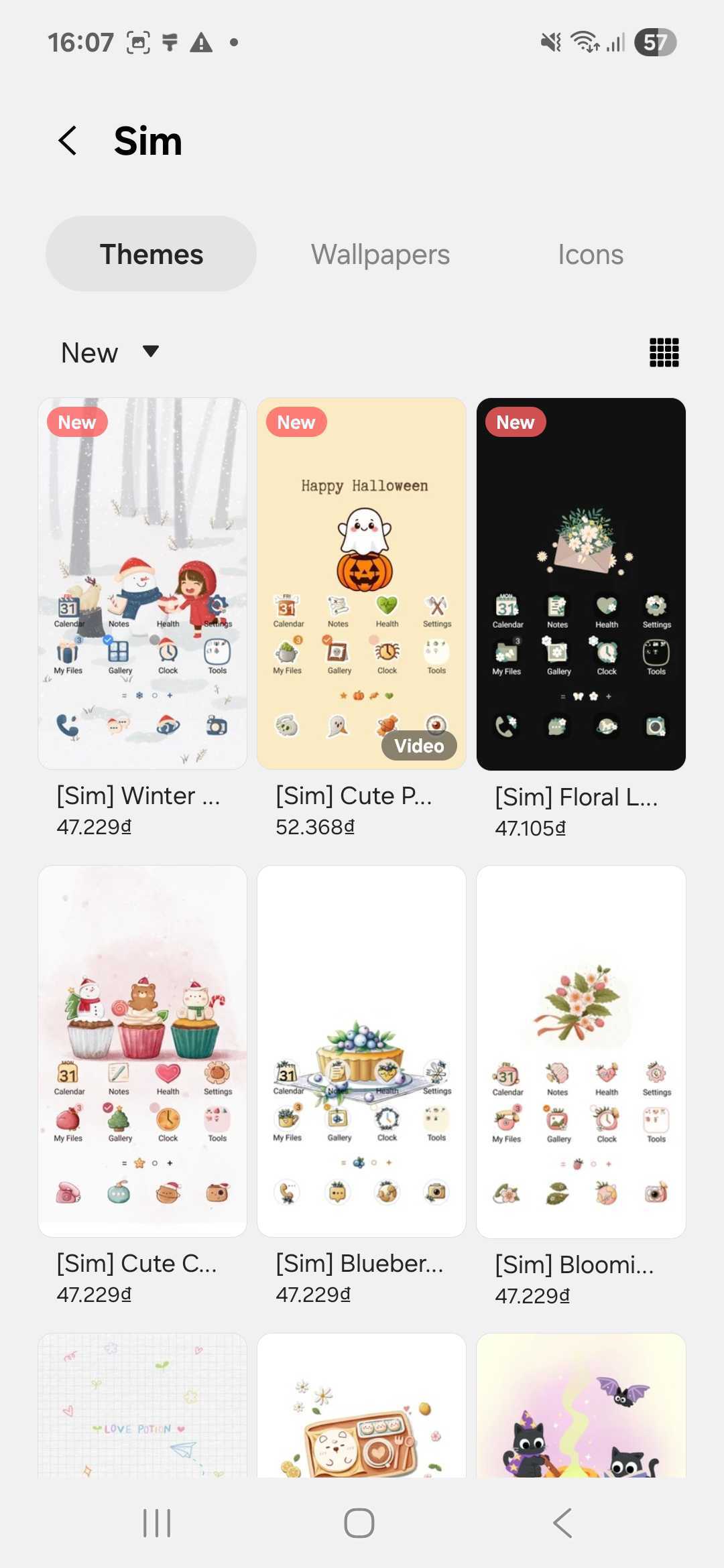
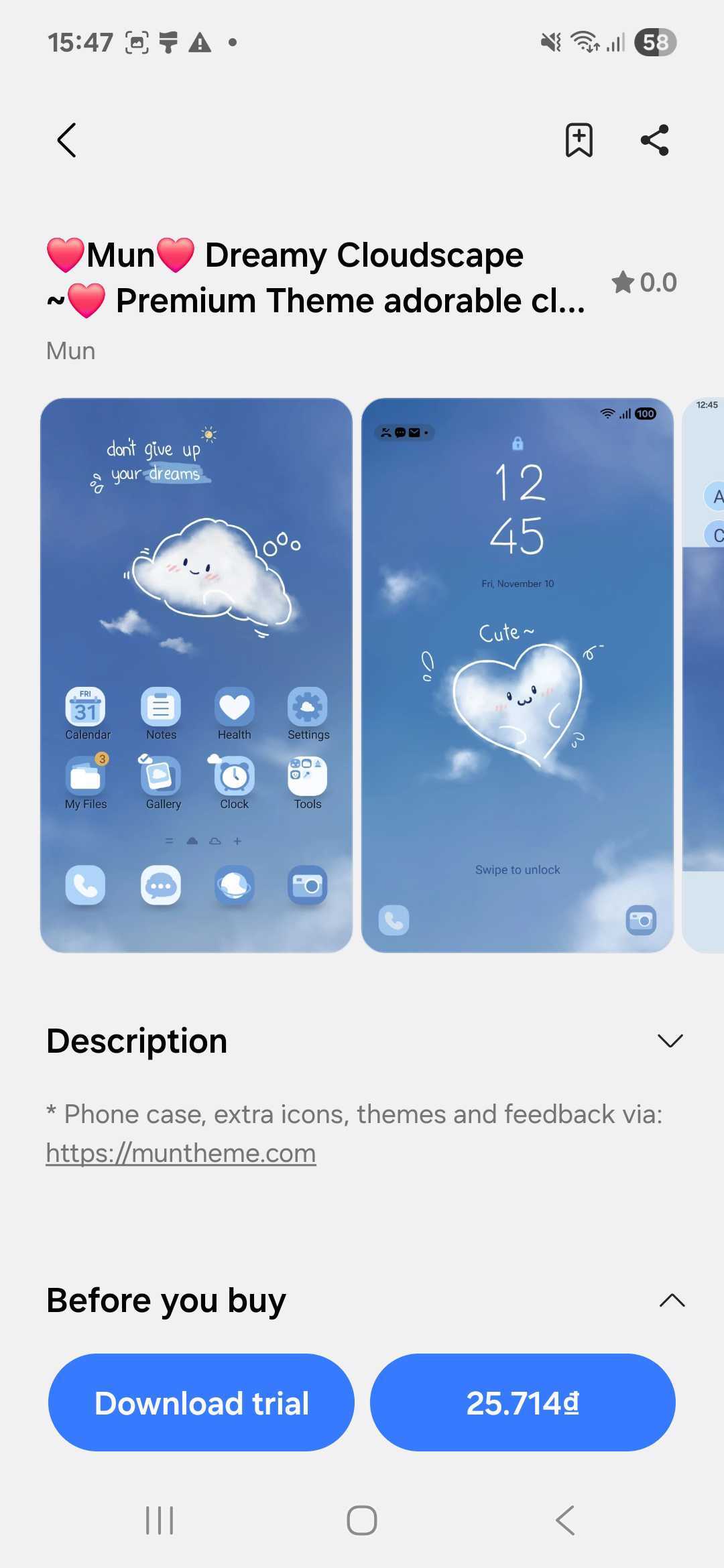
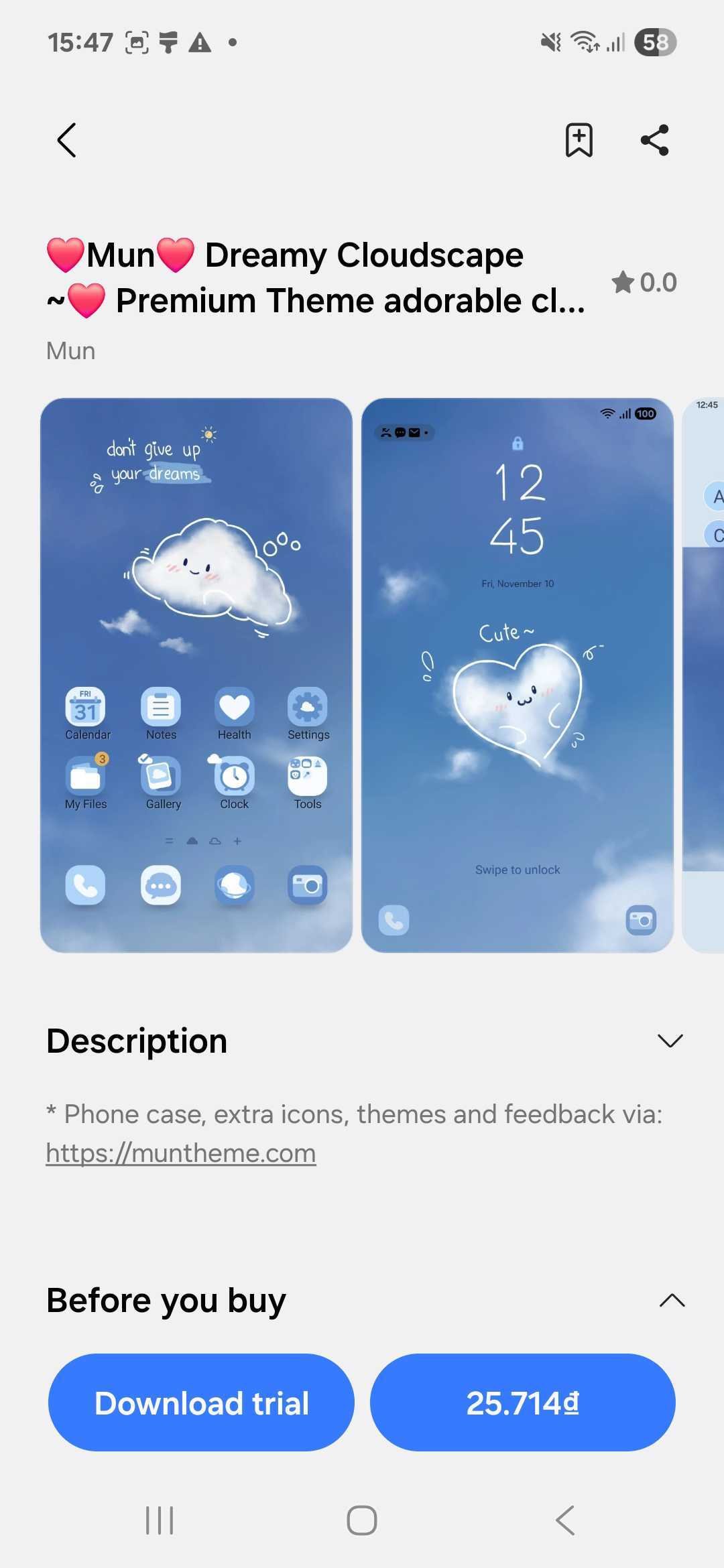
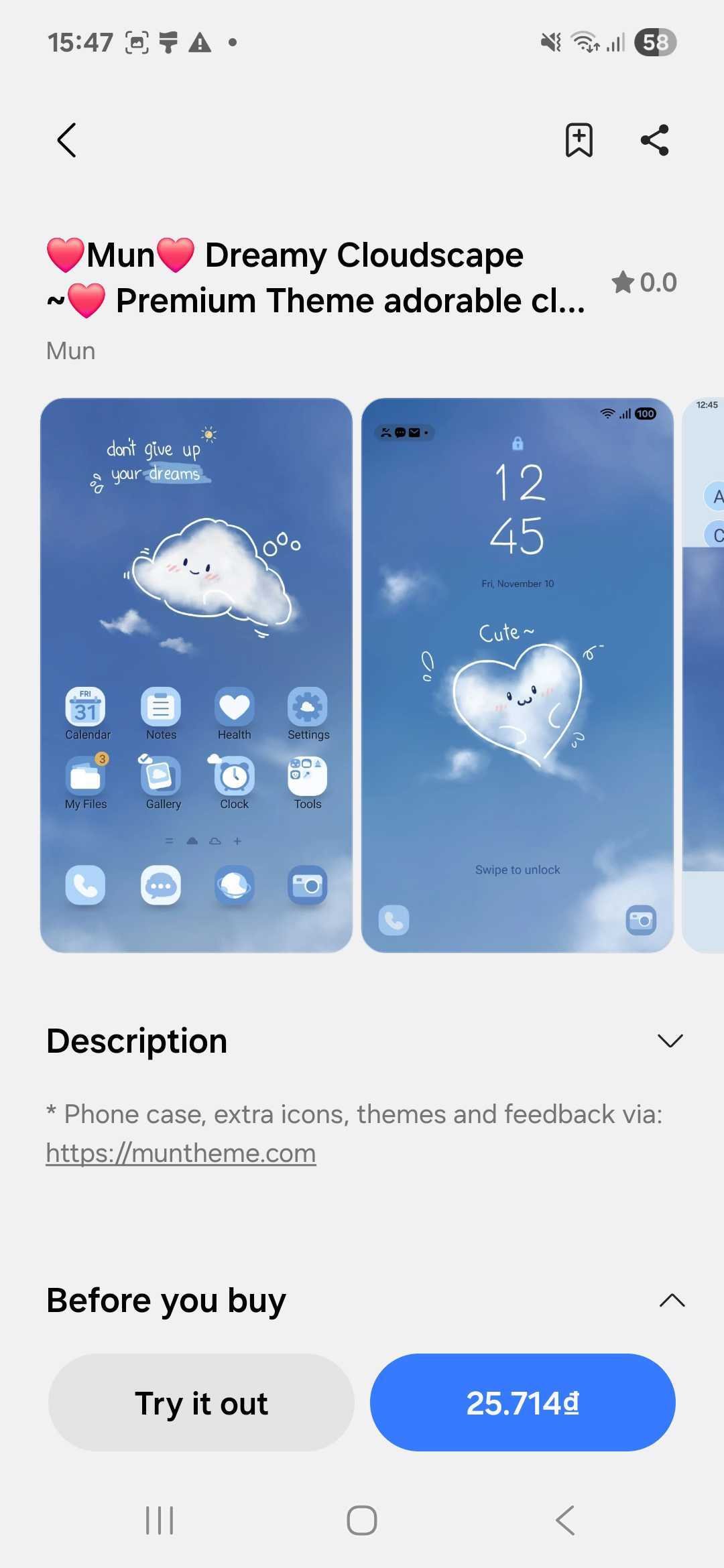
When you find a theme you like, tap on it to view more details. On the theme’s page, you’ll see a “Download trial” option — tap it to begin downloading. This lets you experience the theme without buying it right away.
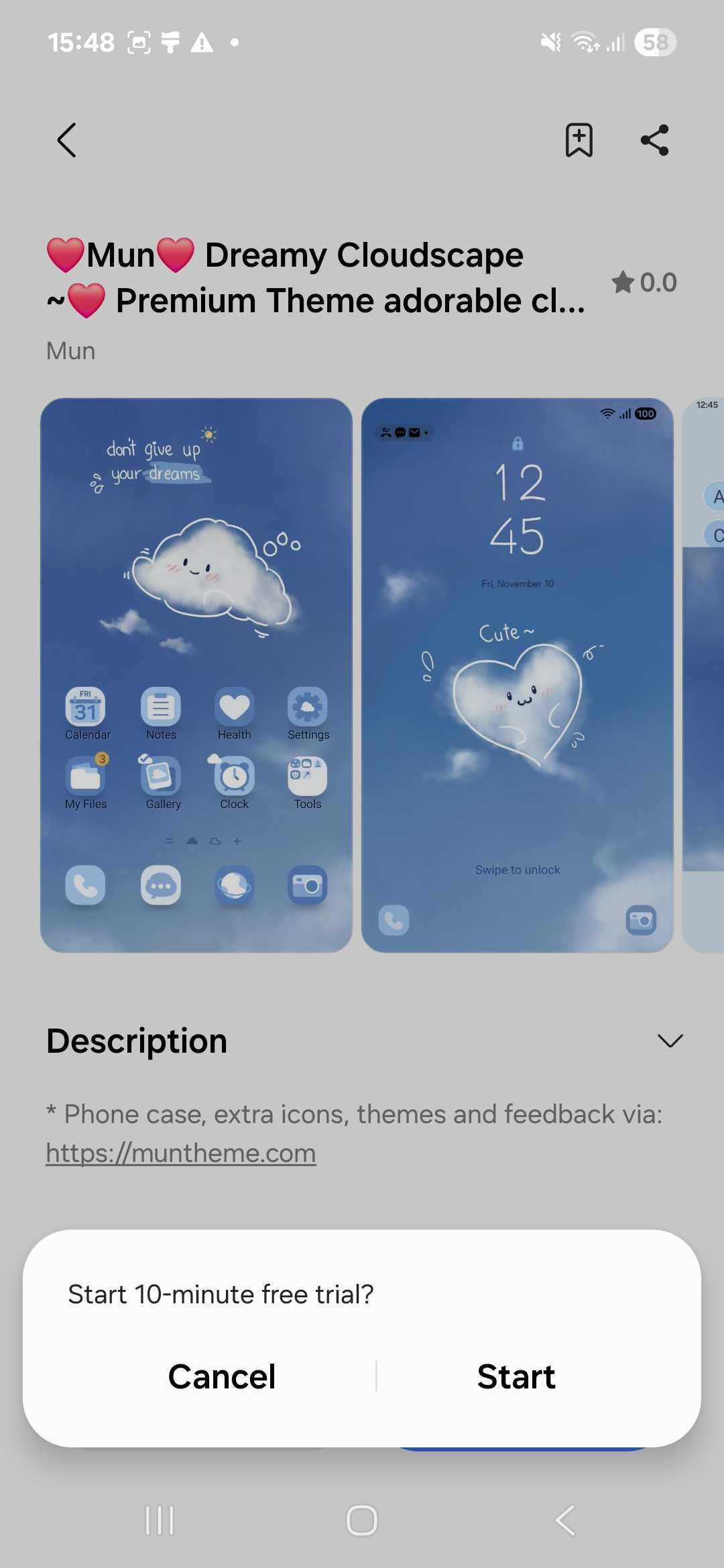
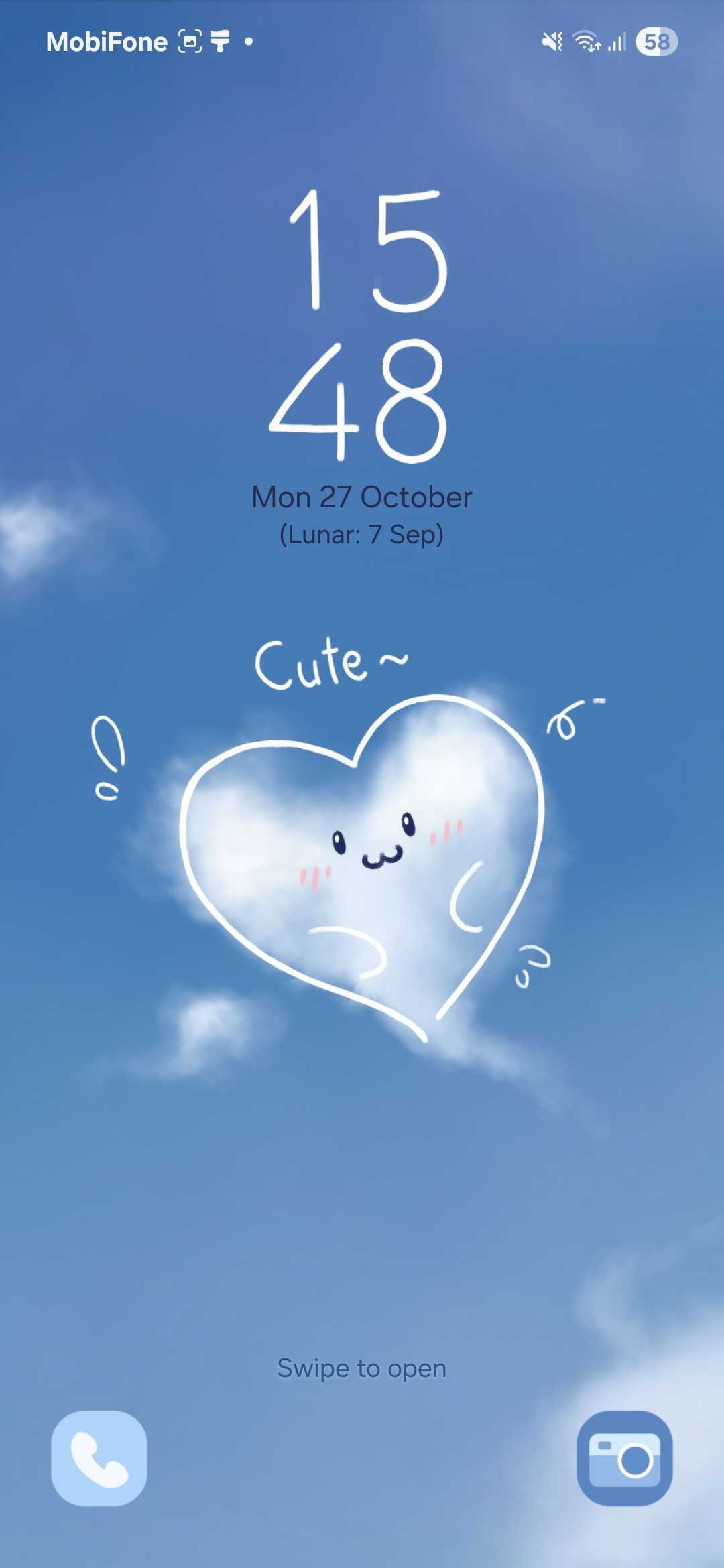
After the download is complete, tap on “Try it out”. Your Samsung device will apply the theme for a 10-minute trial period. During this time, you can explore your phone’s menus, icons, and wallpapers to see how everything looks.
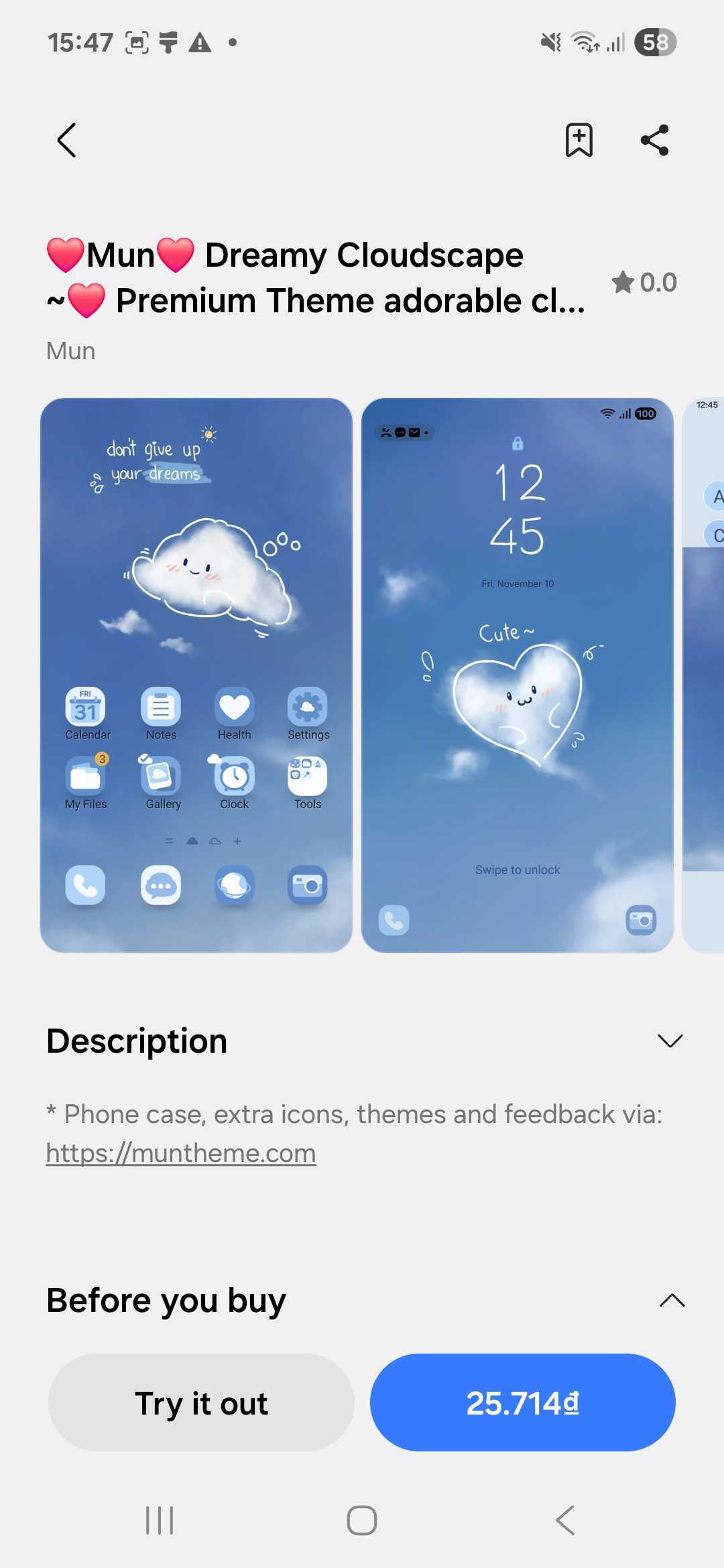
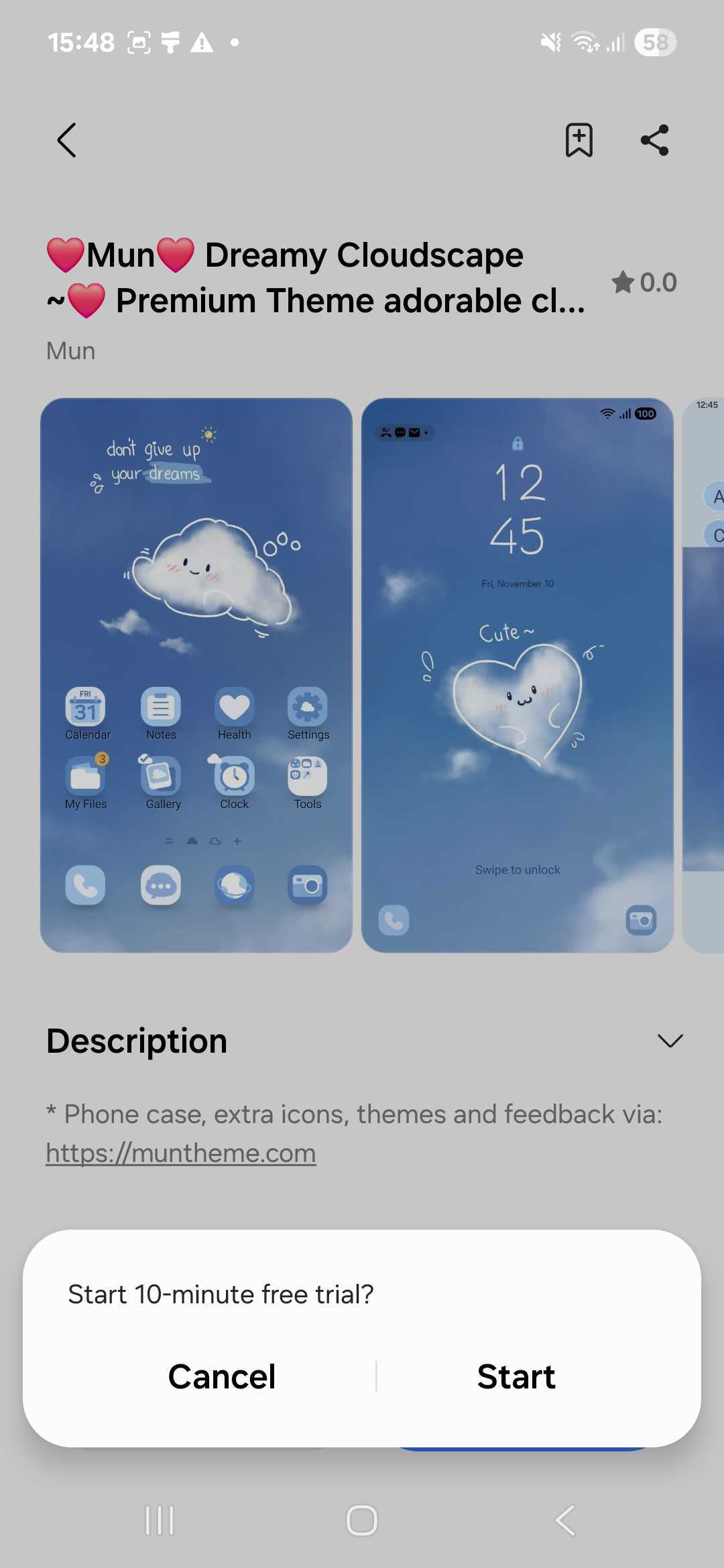
If you love the theme after trying it, simply return to the same page and tap Buy to keep it permanently. If not, you can try as many other themes as you like before deciding which one suits you best!
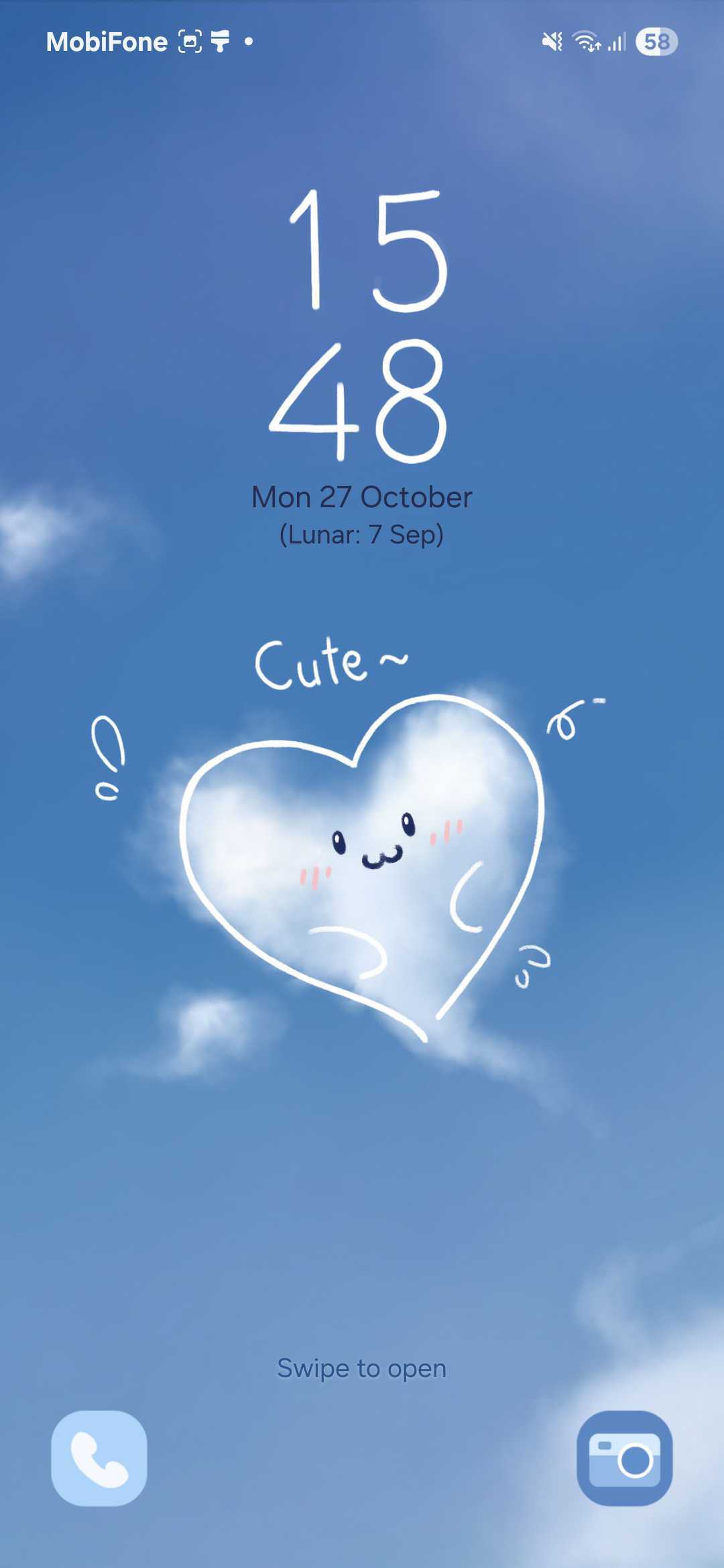
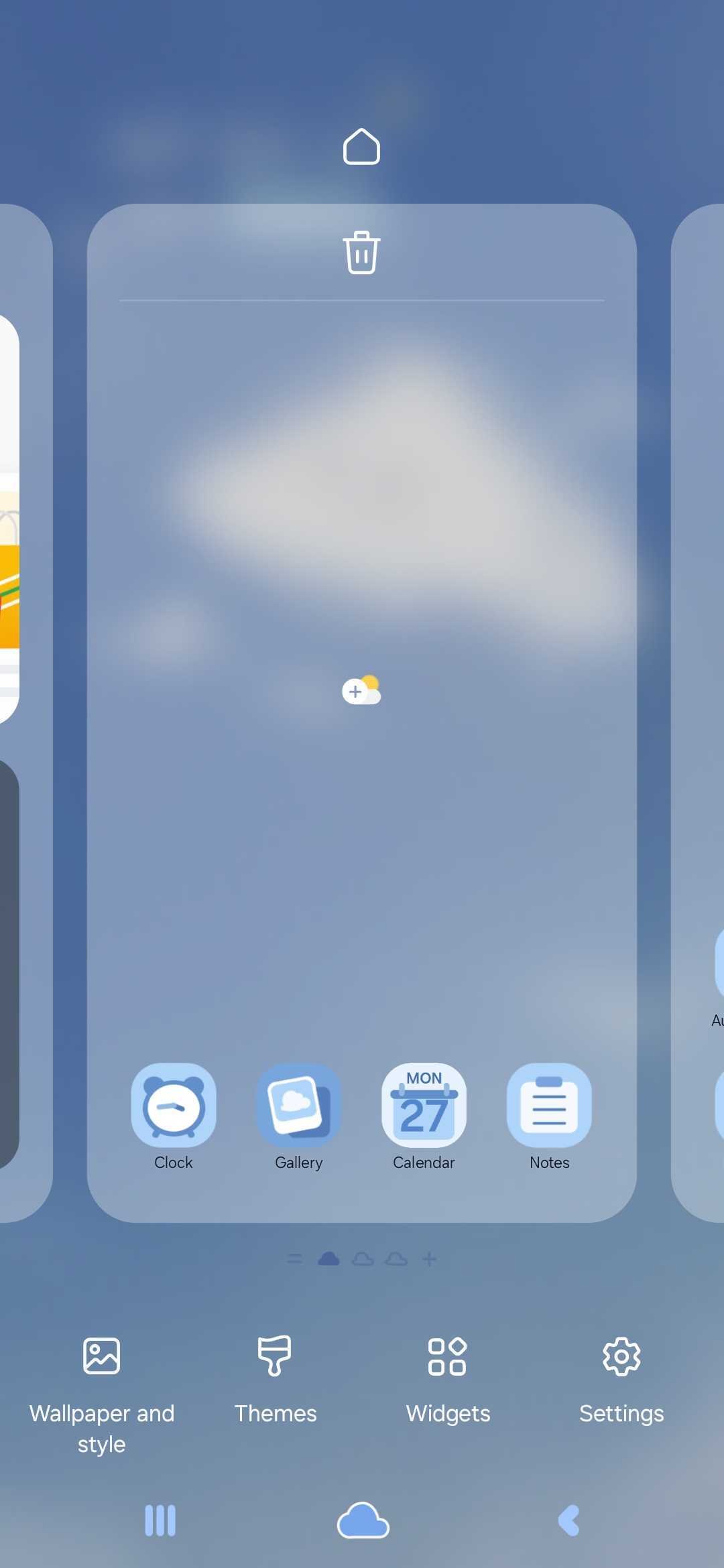
Enjoy exploring and making your Samsung phone uniquely yours with stunning themes from Mun and Sim!
Stay connected and never miss our newest designs:
Discover why Muntheme stands out as the premier choice for personalizing your Samsung Galaxy. We offer unmatched quality, delightful variety, and dedicated support to make
Discover Muntheme’s signature kawaii, pastel, and warm artistic style that brings unique personalization to your Samsung Galaxy and KakaoTalk devices. Explore our design philosophy and
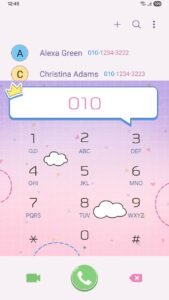
Just got a new Samsung Galaxy? Dive into our friendly, pastel-infused checklist to secure your device, back up precious memories, optimize battery life, and keep
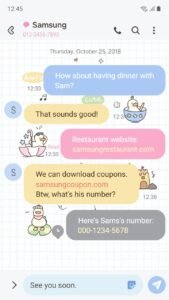
Discover Muntheme’s enchanting new and highlighted themes on the Samsung Galaxy Store, featuring kawaii ducks, delicate florals, and sweet popsicles to transform your device with

Discover the hottest Google trends in phone personalization, from aesthetic cohesion to dynamic themes and the ever-popular kawaii style. See how Muntheme’s premium Samsung and
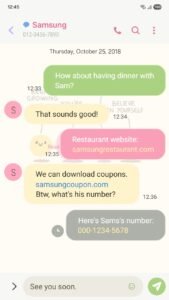
Dive into Muntheme’s enchanting world of Samsung Galaxy themes! Discover our latest kawaii, pastel, and warm artistic designs, including animated and video themes, to make