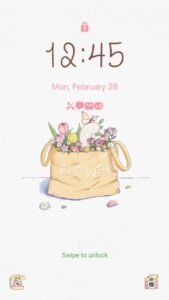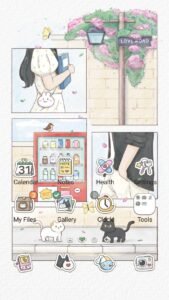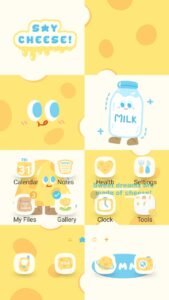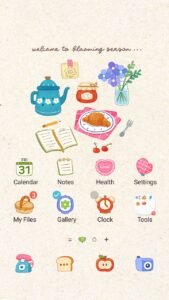

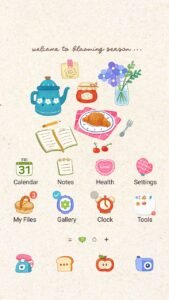
Hello, lovely Muntheme family! ✨ We know you adore keeping your Samsung Galaxy devices looking absolutely charming and perfectly personalized with our kawaii, pastel, and artistic themes. But did you know that keeping your phone’s software up-to-date is just as important for a smooth, delightful experience?

Samsung regularly releases software updates, and while the tech jargon can sometimes sound a bit daunting, we’re here to break it down simply. Think of it like giving your phone a little spa day – it comes out feeling refreshed, safer, and ready to show off its new features!
Why Are Updates So Important?
Updates aren’t just about getting new toys; they’re crucial for several reasons that enhance your daily phone usage:
- Security Boost: Just like we protect our precious things, updates patch up any security vulnerabilities, keeping your personal data safe from digital baddies.
- Performance Perks: Often, updates come with optimizations that make your phone run smoother, apps open faster, and battery life potentially last longer. Who doesn’t love a snappier device?
- Exciting New Features: This is where the fun begins! Samsung often introduces new functionalities, visual enhancements, and quality-of-life improvements that can change how you interact with your phone.
Unpacking Samsung’s Updates: One UI & Android OS
When your Samsung Galaxy device gets an update, it’s usually a combination of two main things:
1. One UI Updates
One UI is Samsung’s very own customized interface that sits on top of Android. It’s the delightful layer that gives your Galaxy phone its unique look and feel, and it’s what our Muntheme themes transform so beautifully! One UI updates bring:
- Visual Refinements: Sometimes icons get a fresh look, menus are reorganized for easier access, or new animation styles are introduced. These changes can make your existing Muntheme themes feel even more vibrant!
- New Customization Options: Occasionally, One UI updates open up new avenues for personalization, letting you tweak even more aspects of your phone.
- Enhanced Features: From new camera modes to improvements in the Quick Settings panel, One UI updates are packed with delightful surprises.
2. Android OS Updates
Beneath One UI is the core Android operating system developed by Google. Major Android updates introduce fundamental changes and new capabilities across all Android devices. Samsung then integrates these into their One UI experience. While you might not always see a direct visual change from an Android OS update, it lays the groundwork for many of the cool features Samsung then builds upon.
What to Do After an Update (Muntheme Tips!)
So, your phone has just had its update spa day. What next?
- Explore the Newness: Take some time to browse through your settings, check out new features, and see if anything has changed. Samsung often highlights new additions in a “What’s New” section after an update.
- Re-Sparkle with Muntheme: Sometimes, after a major update, your existing theme might need a little refresh. Simply re-apply your favorite Muntheme Samsung Theme from the Galaxy Store Seller Page to ensure everything is perfectly aligned and looking its best!
- Unified Icons with Icon Changer – Mun: If the update introduced new app icon designs or if you notice any third-party app icons look out of place, remember our “Icon Changer – Mun” app! It’s perfect for customizing icons like Facebook, Instagram, or TikTok to maintain that seamless, adorable look across your entire device.
- Check for KakaoTalk Theme Updates: If you use our KakaoTalk themes, keep an eye out for updates there too, especially if KakaoTalk itself gets an app update.
How to Check for Updates
It’s super easy! Just go to Settings > Software update > Download and install. Your phone will then check if there’s a fresh update waiting for you.
Keeping your phone updated ensures you’re always enjoying the best performance, security, and the latest features. And with Muntheme, you can make sure your updated device always looks as charming and unique as you are! Happy updating, and don’t forget to explore our latest themes on the Samsung Galaxy Store!