How to Try Samsung Themes Before Buying?
You can preview Samsung Themes before purchasing! Learn how to use the 10-minute trial feature in just a few easy steps.


Did you know you can try Samsung Themes before buying? This is a great way to make sure the colors, icons, and wallpapers truly match your style before spending any money. In this guide, we’ll show you exactly how to test a theme on your Samsung phone using the built-in 10-minute trial feature.
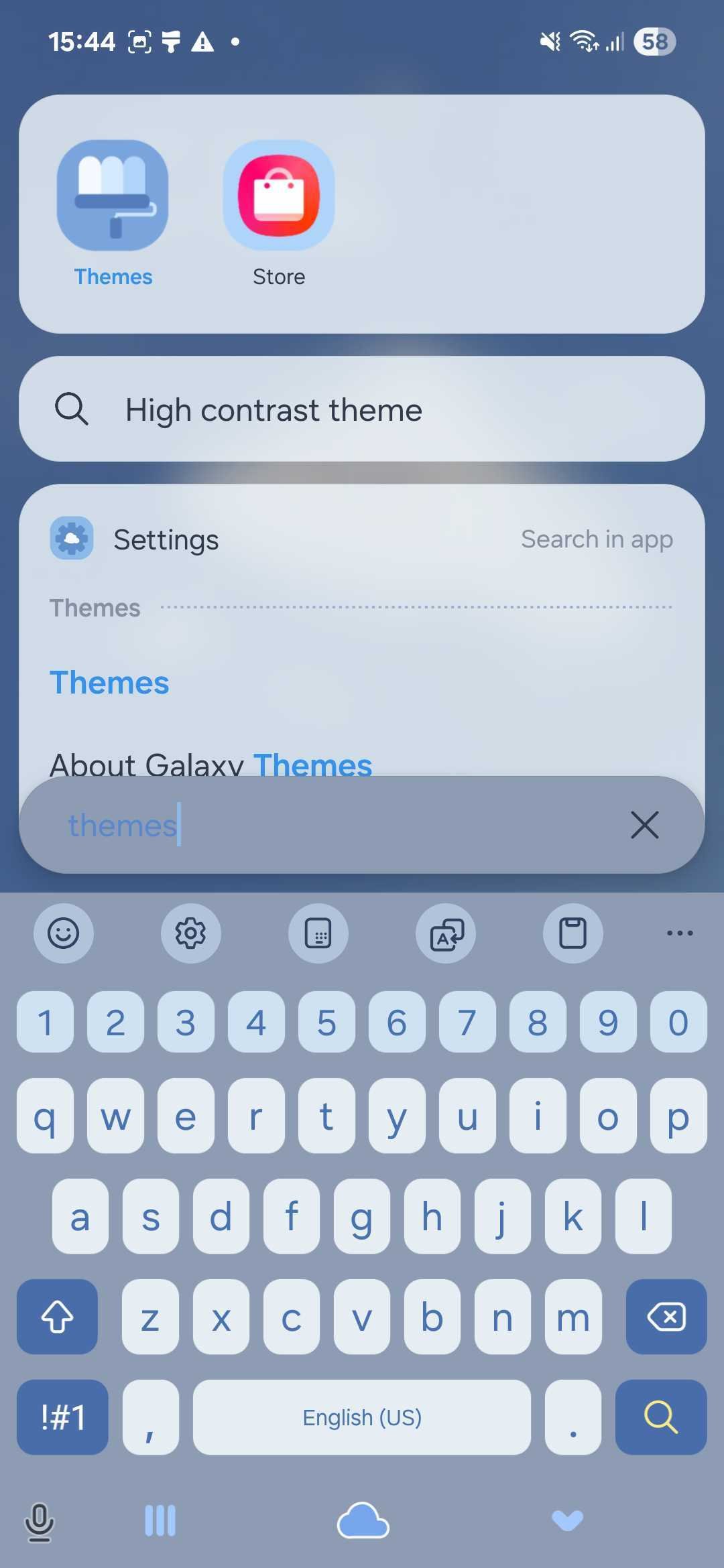
There are two simple ways to open the Samsung Themes app:
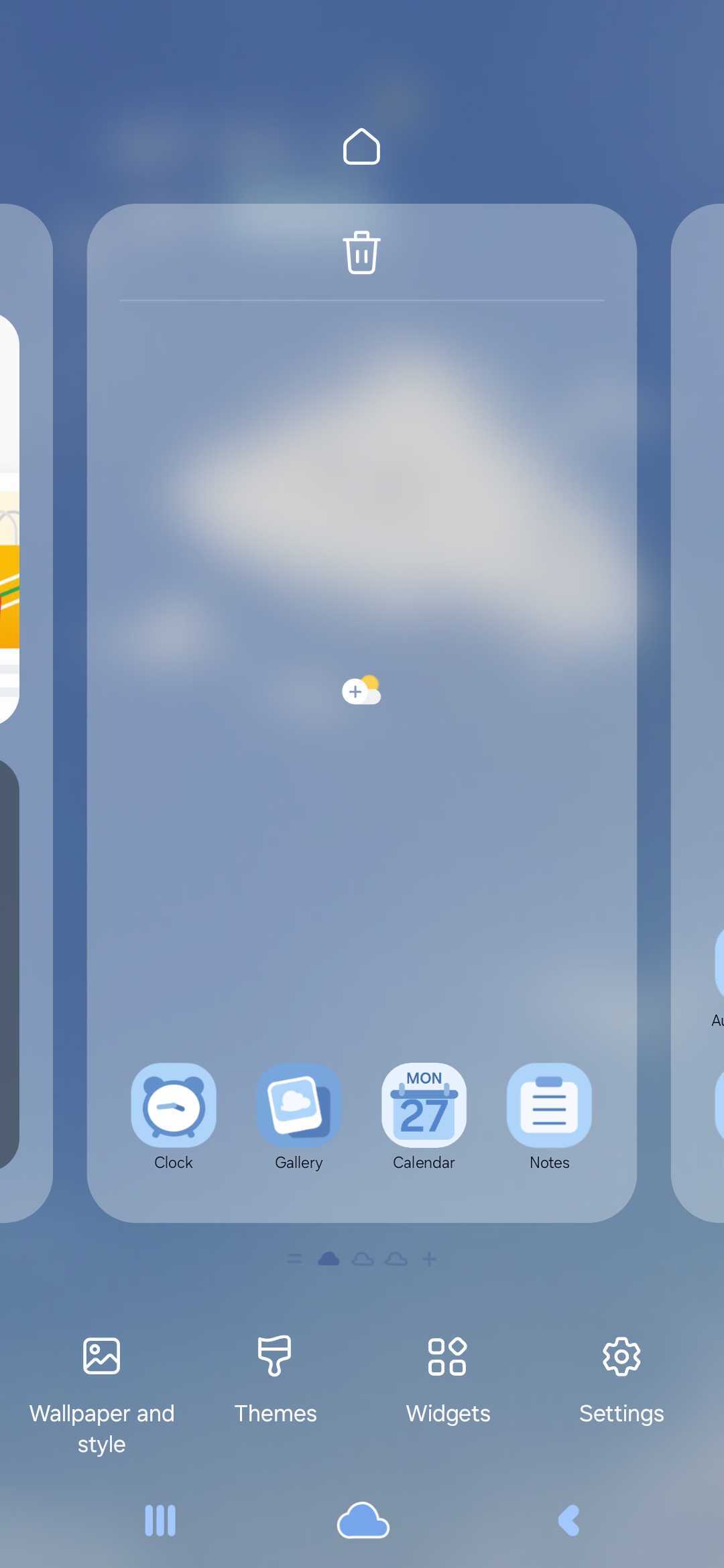
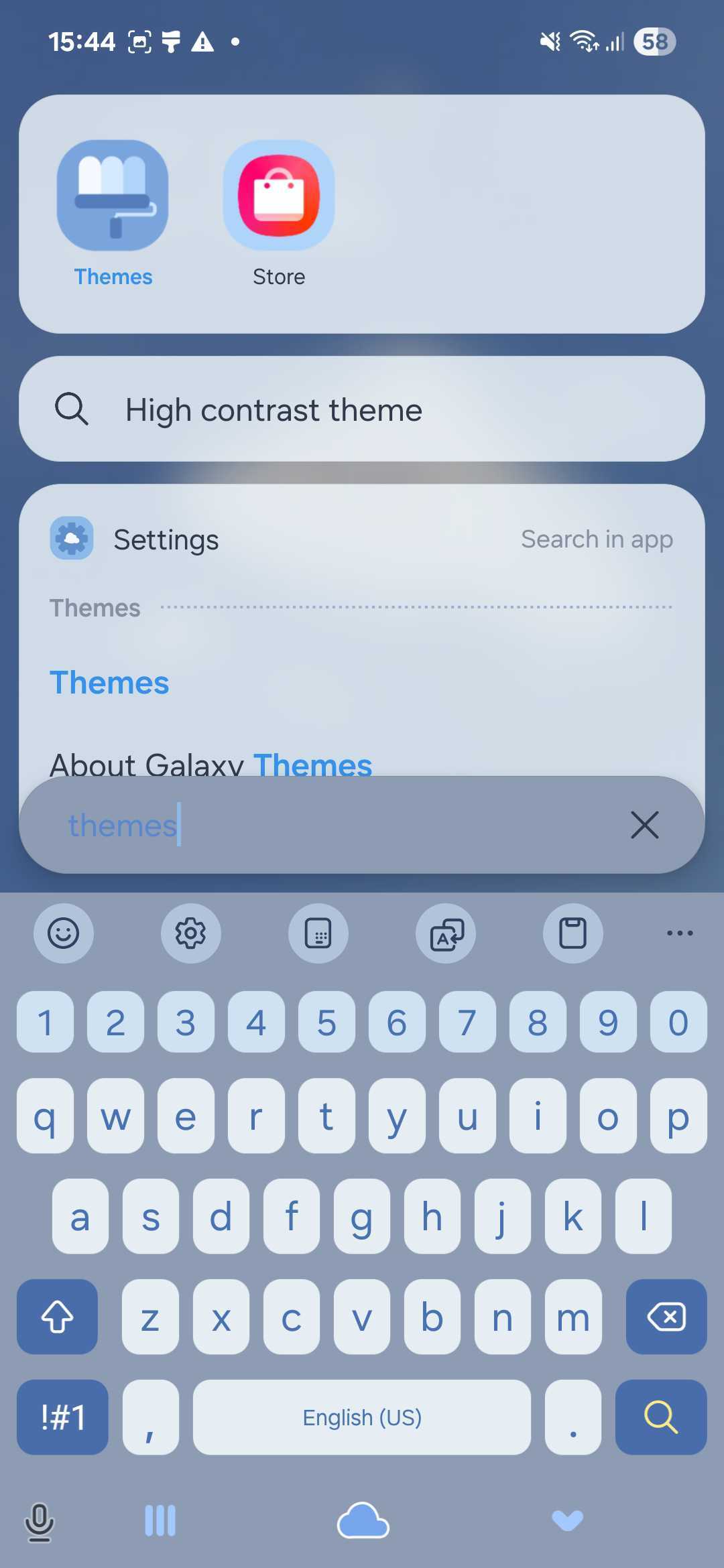
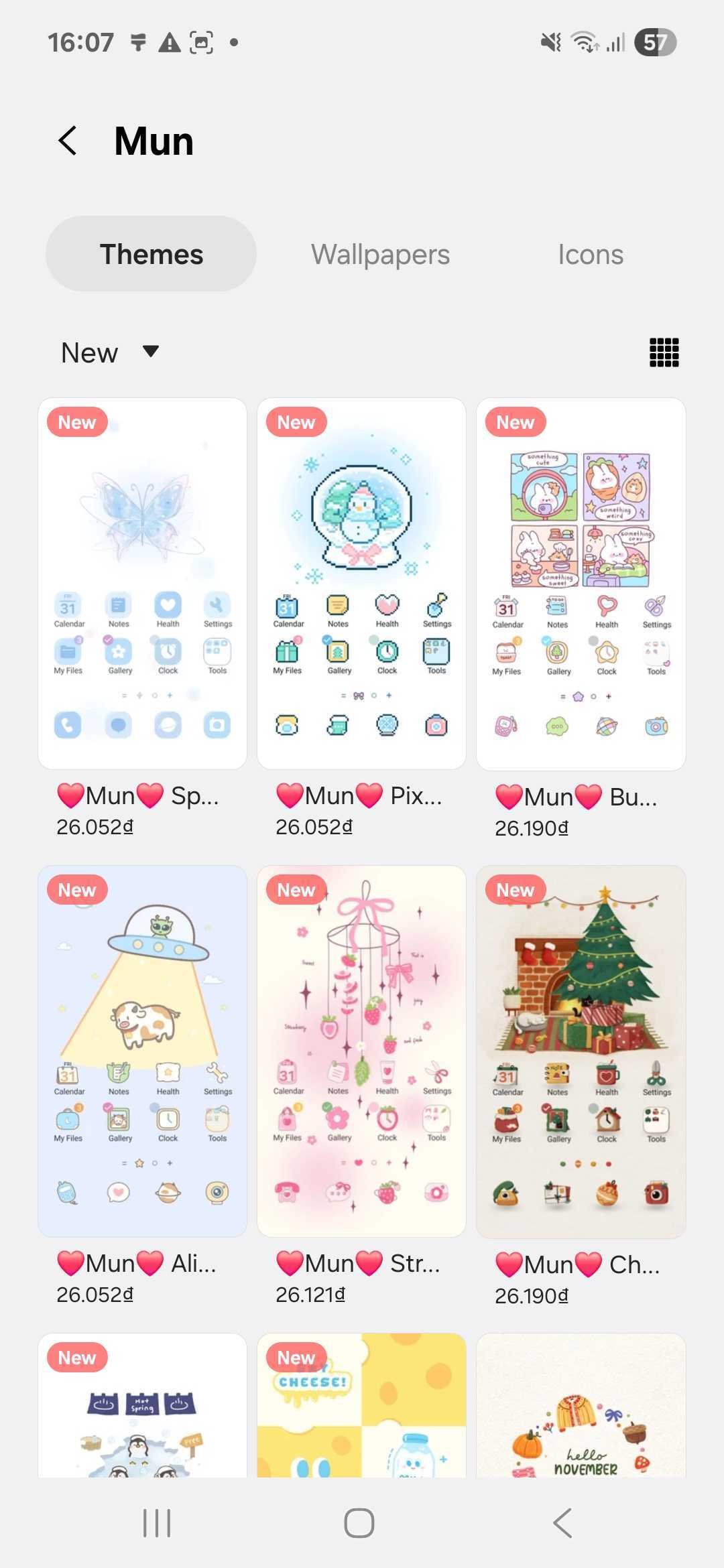
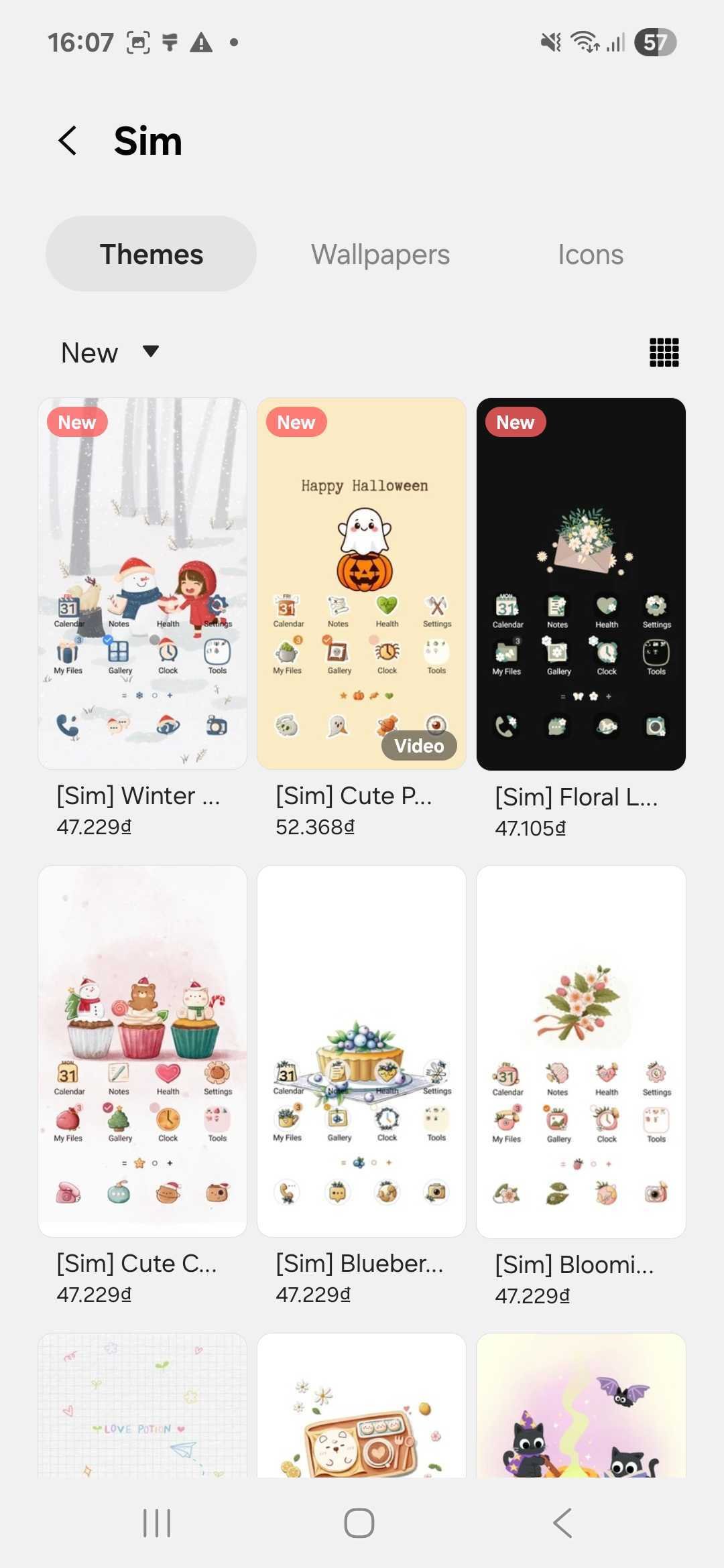
Once the app is open, you’ll see a variety of themes to explore. You can search by name or browse featured designs. For high-quality, stylish options, check out our theme stores below:

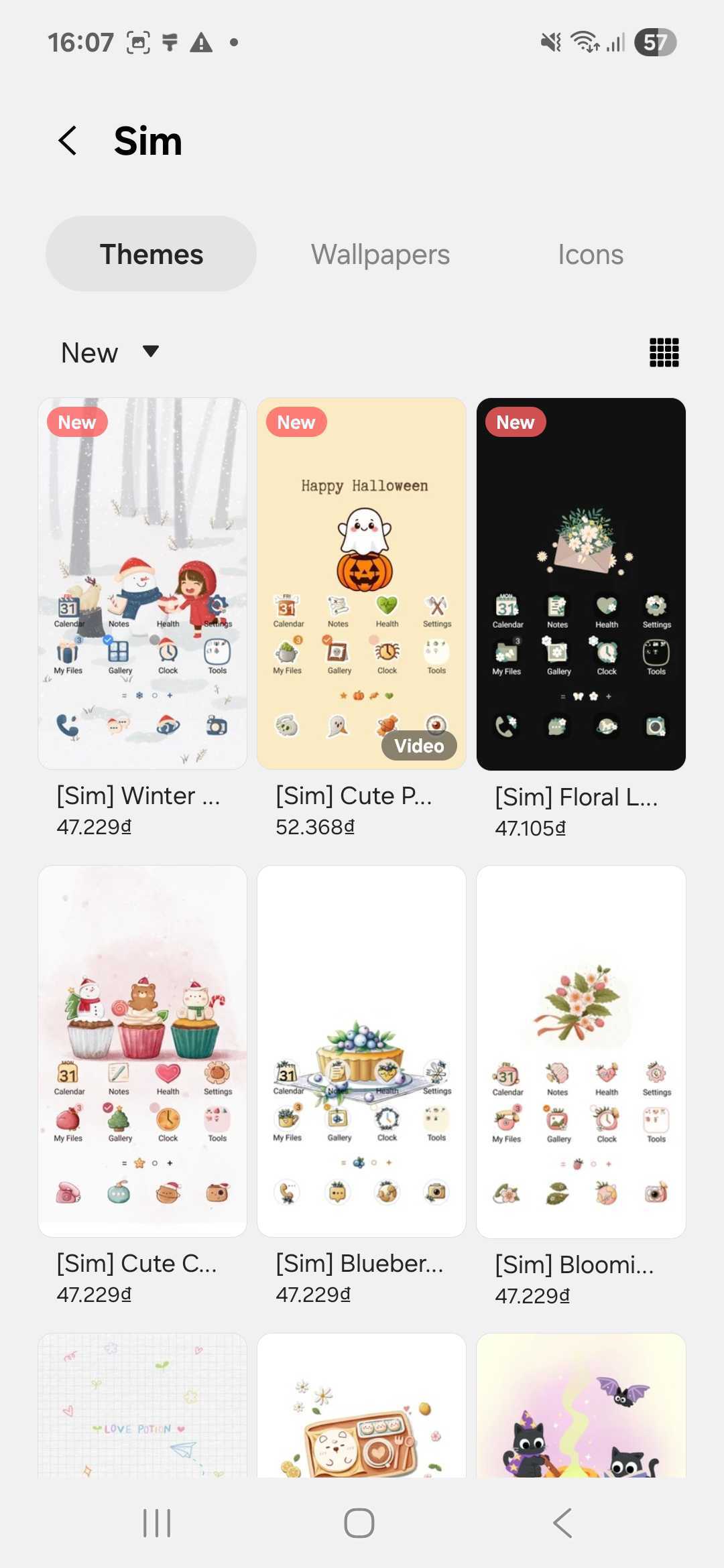
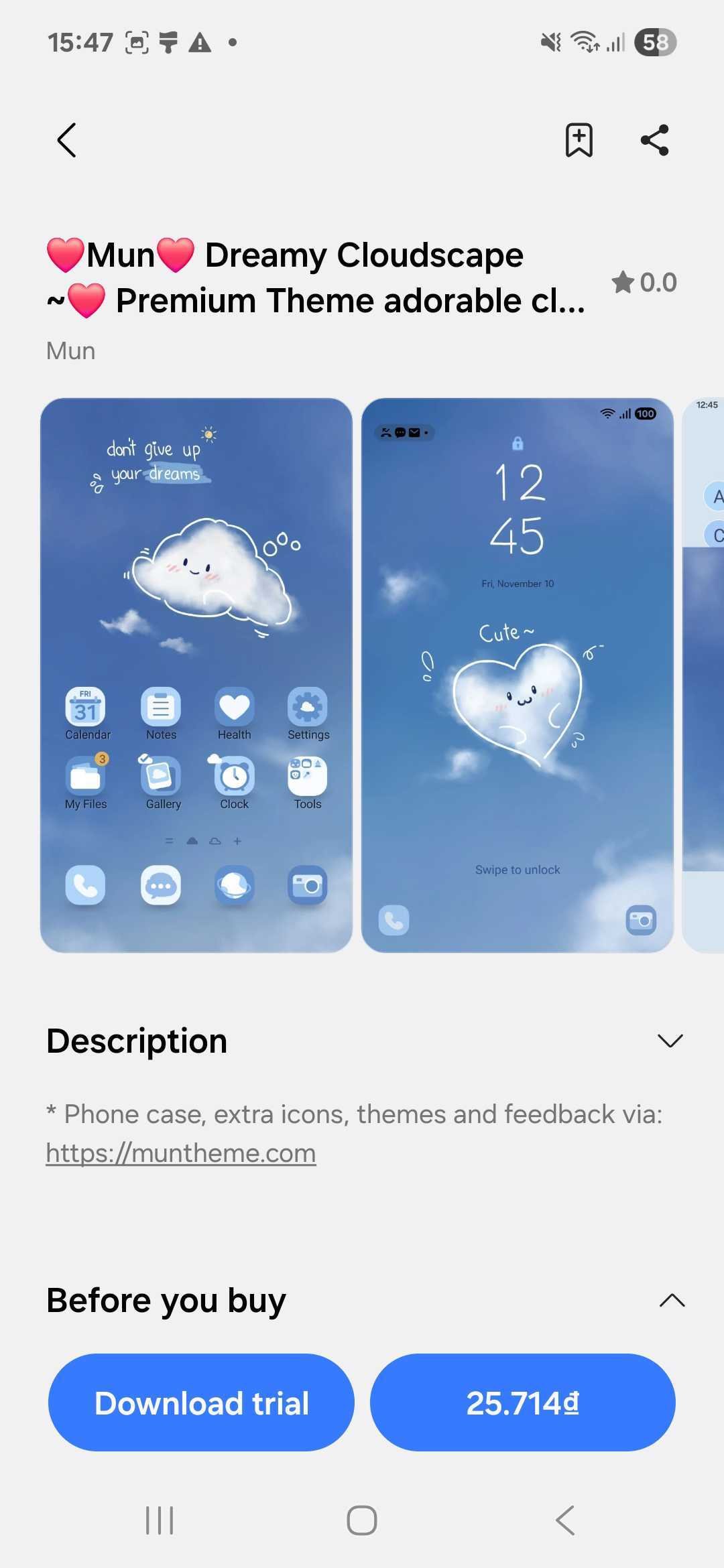
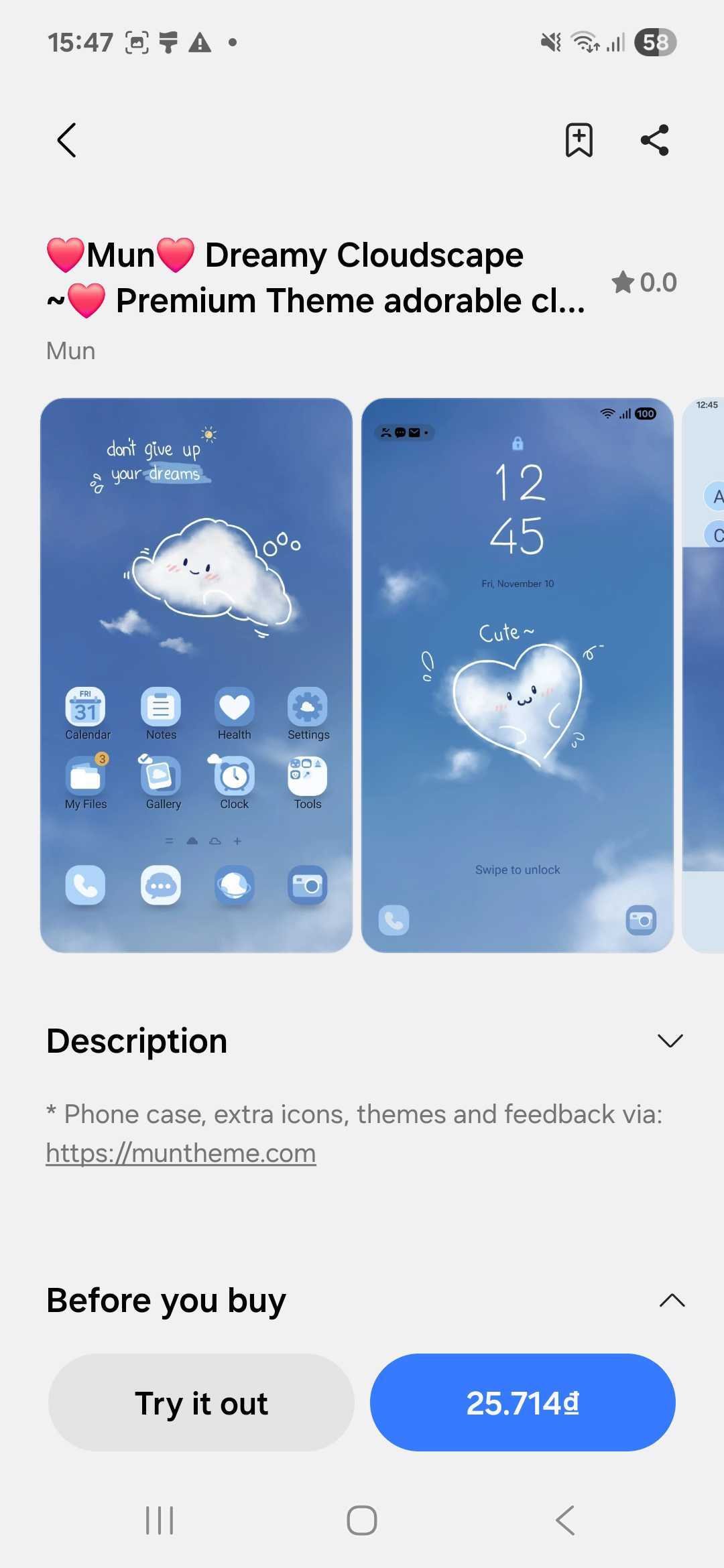
When you find a theme you like, tap on it to view more details. On the theme’s page, you’ll see a “Download trial” option — tap it to begin downloading. This lets you experience the theme without buying it right away.
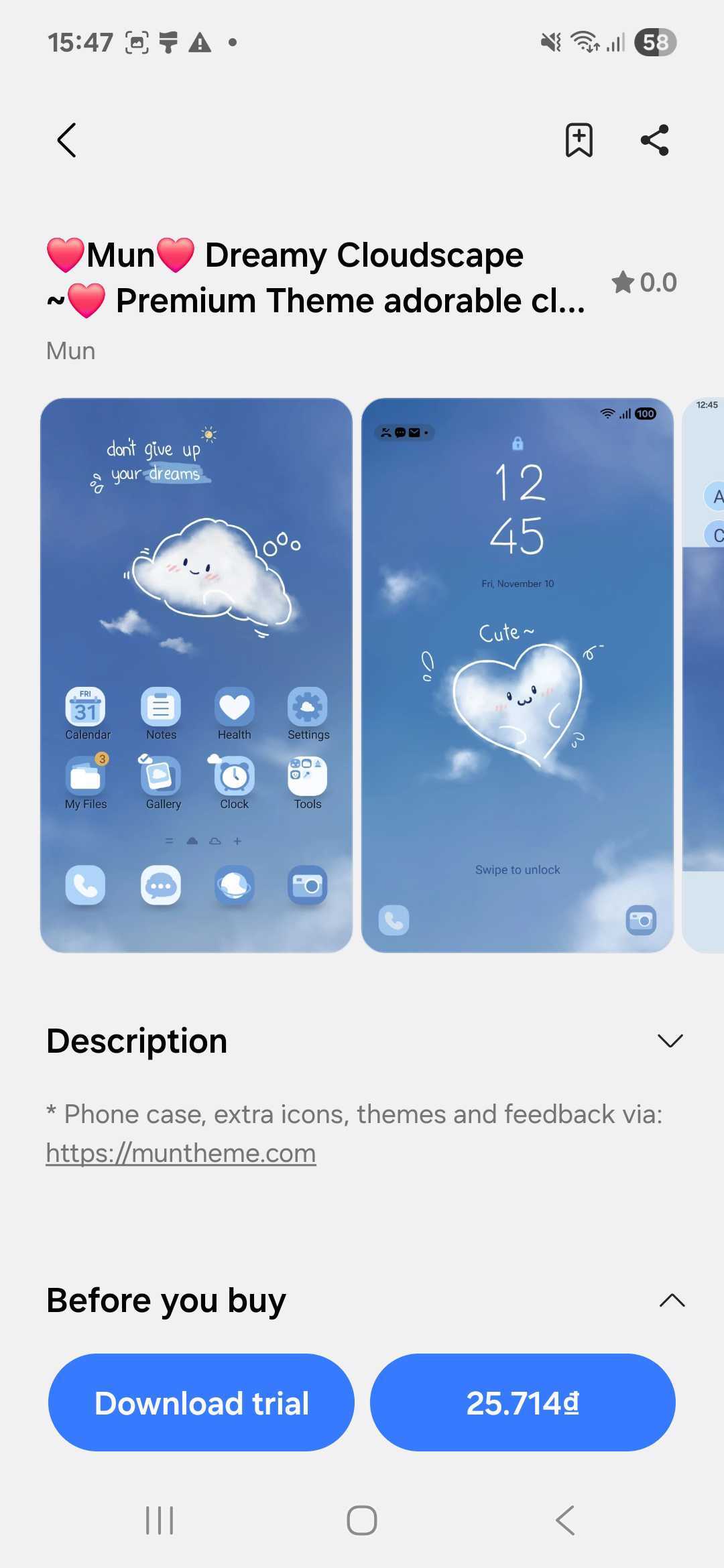
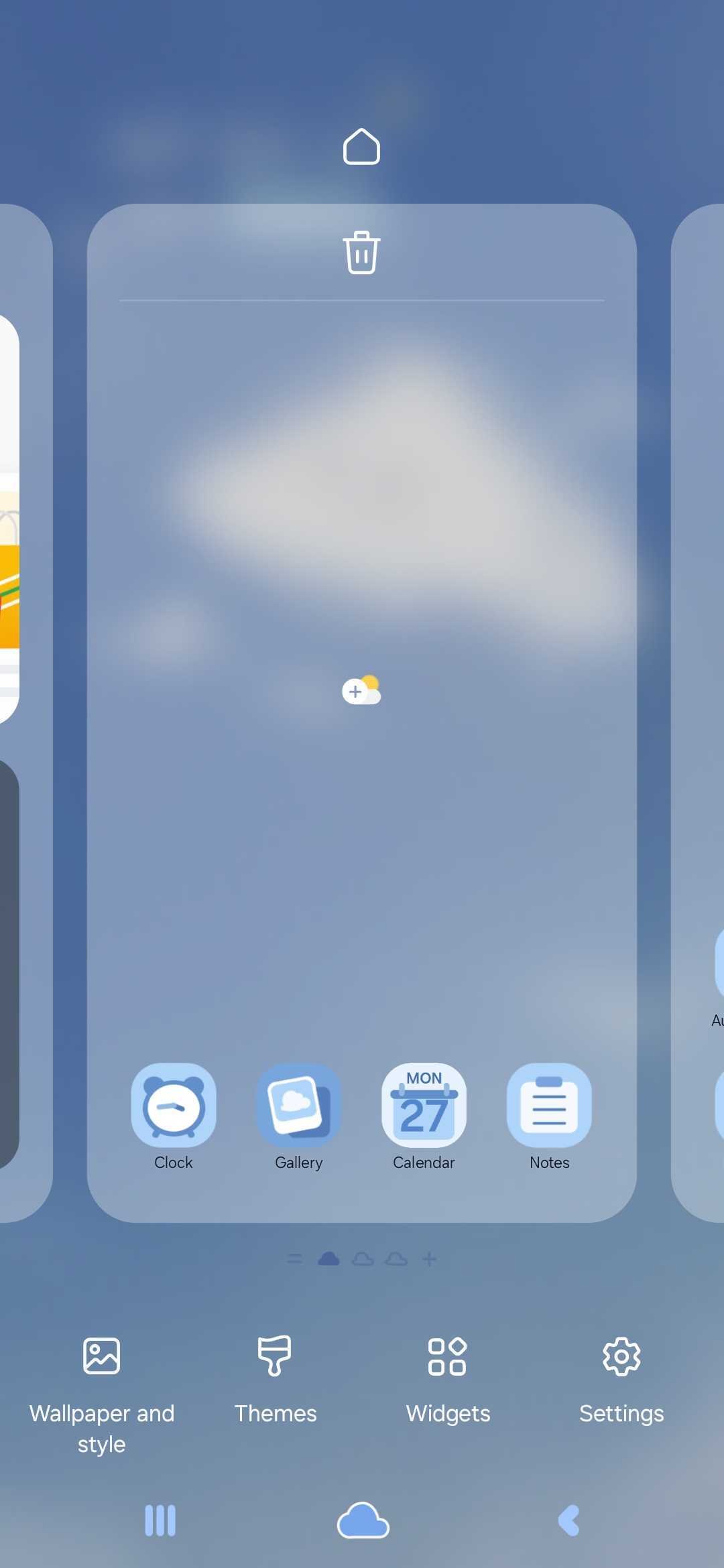
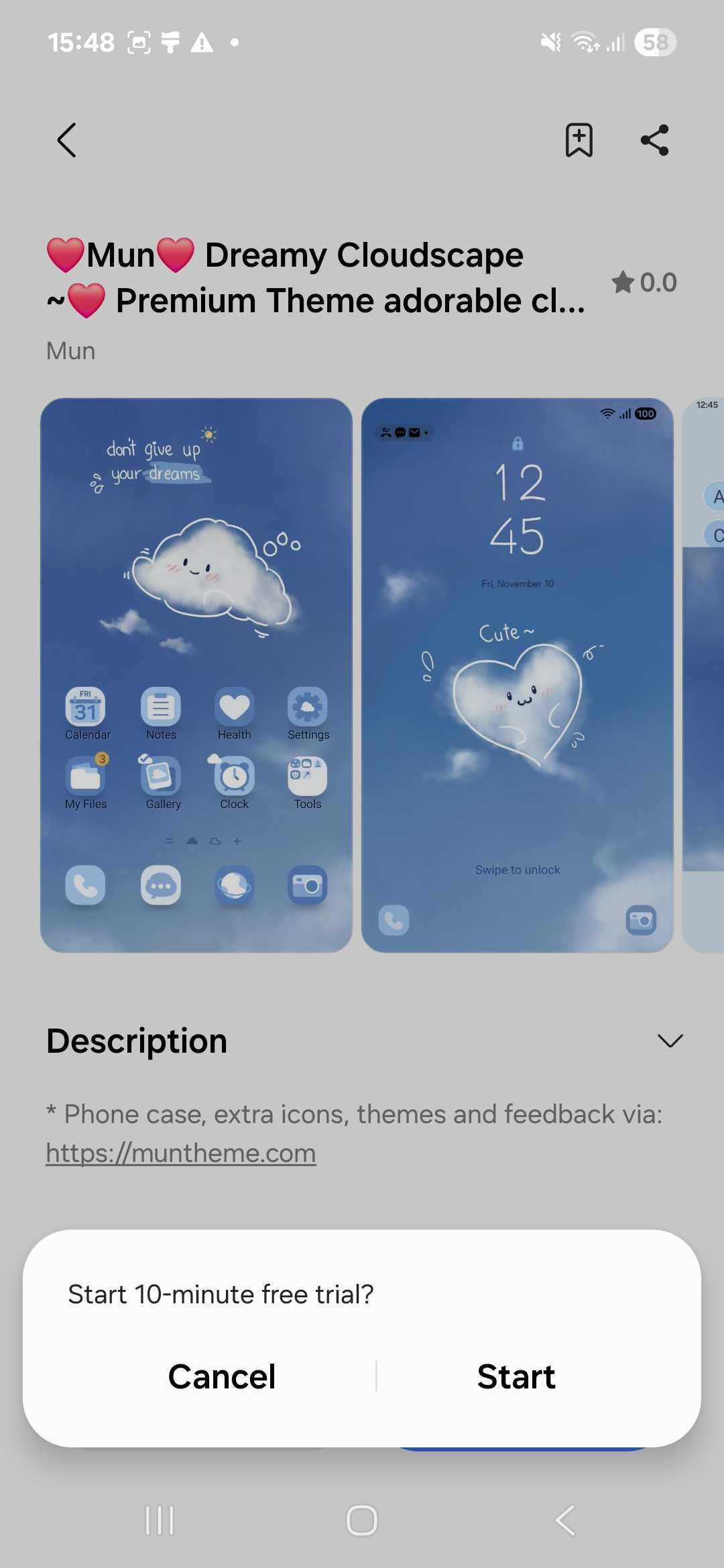
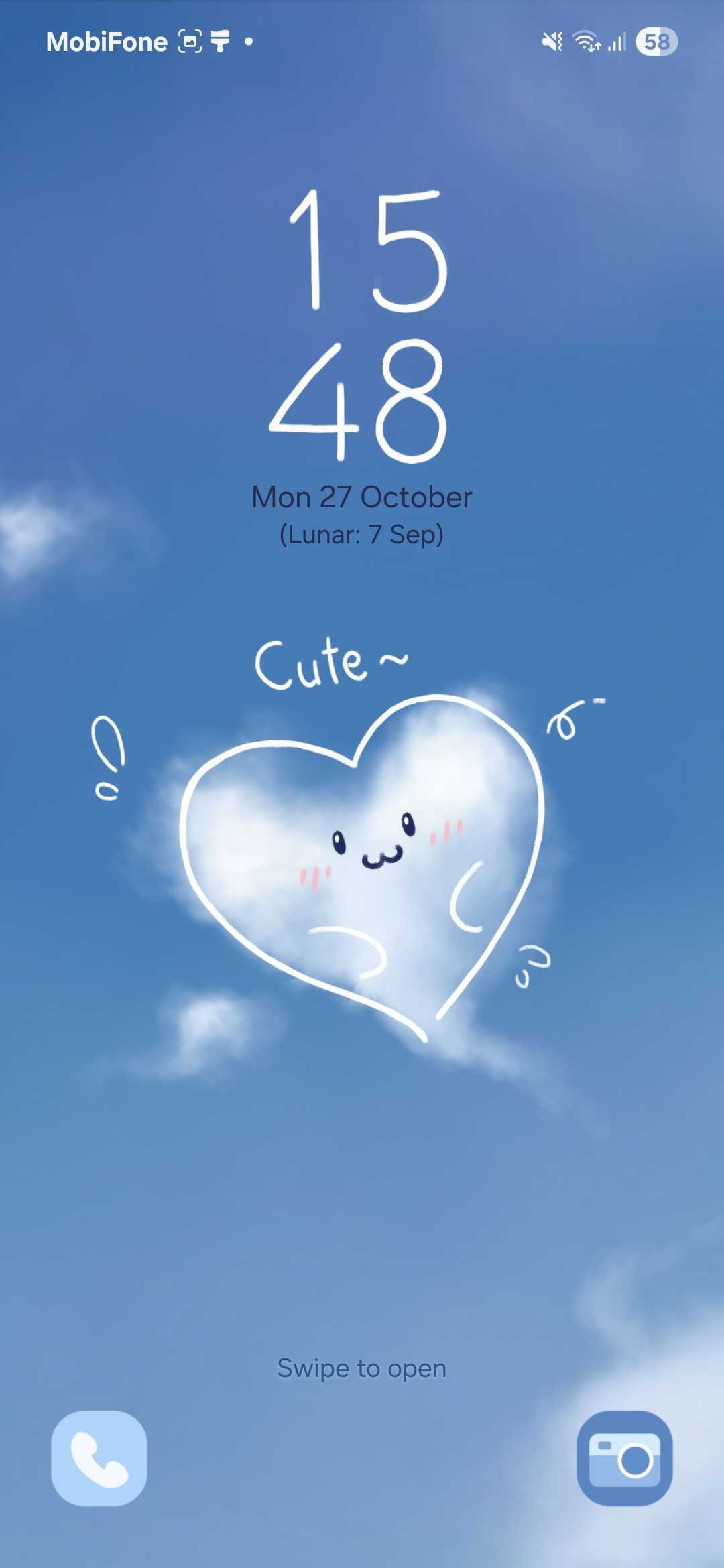
After the download is complete, tap on “Try it out”. Your Samsung device will apply the theme for a 10-minute trial period. During this time, you can explore your phone’s menus, icons, and wallpapers to see how everything looks.
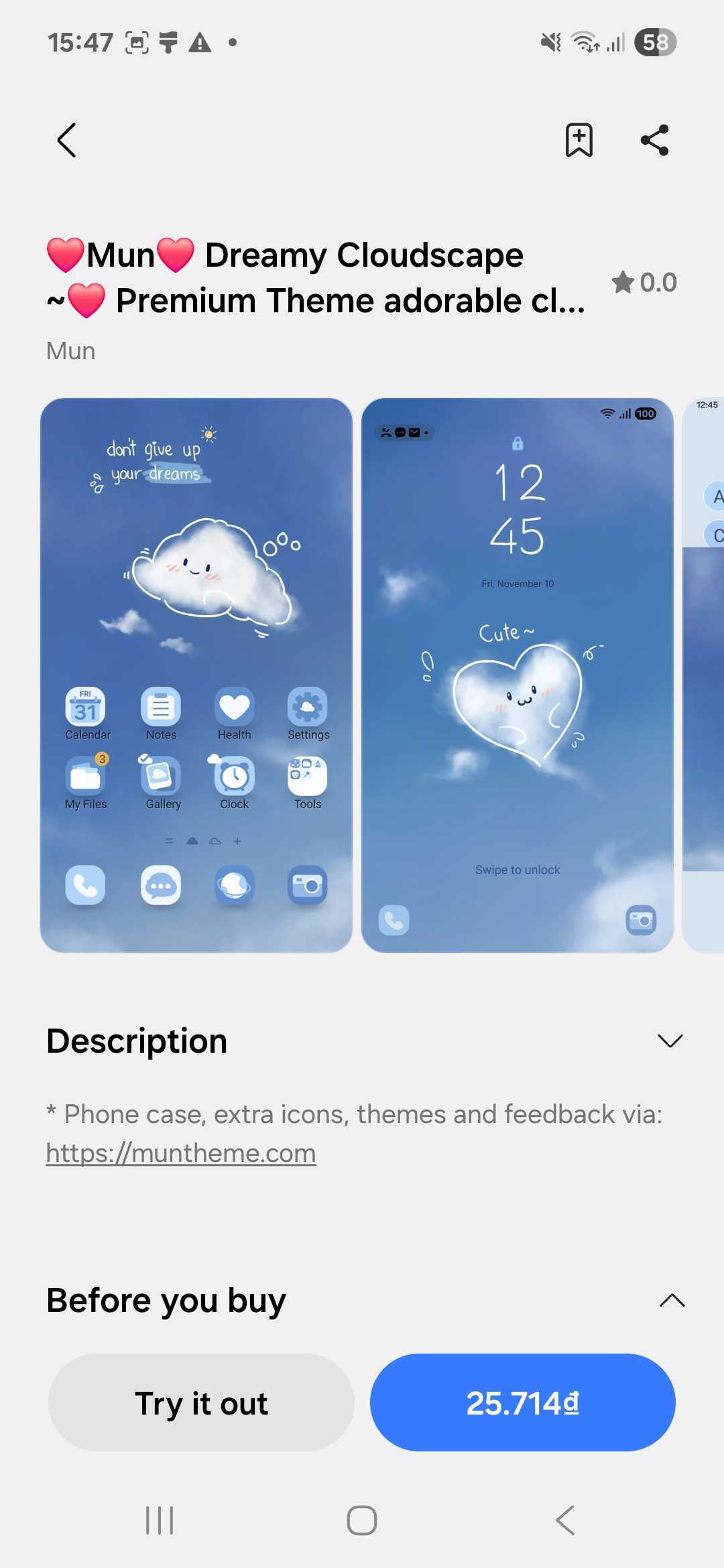
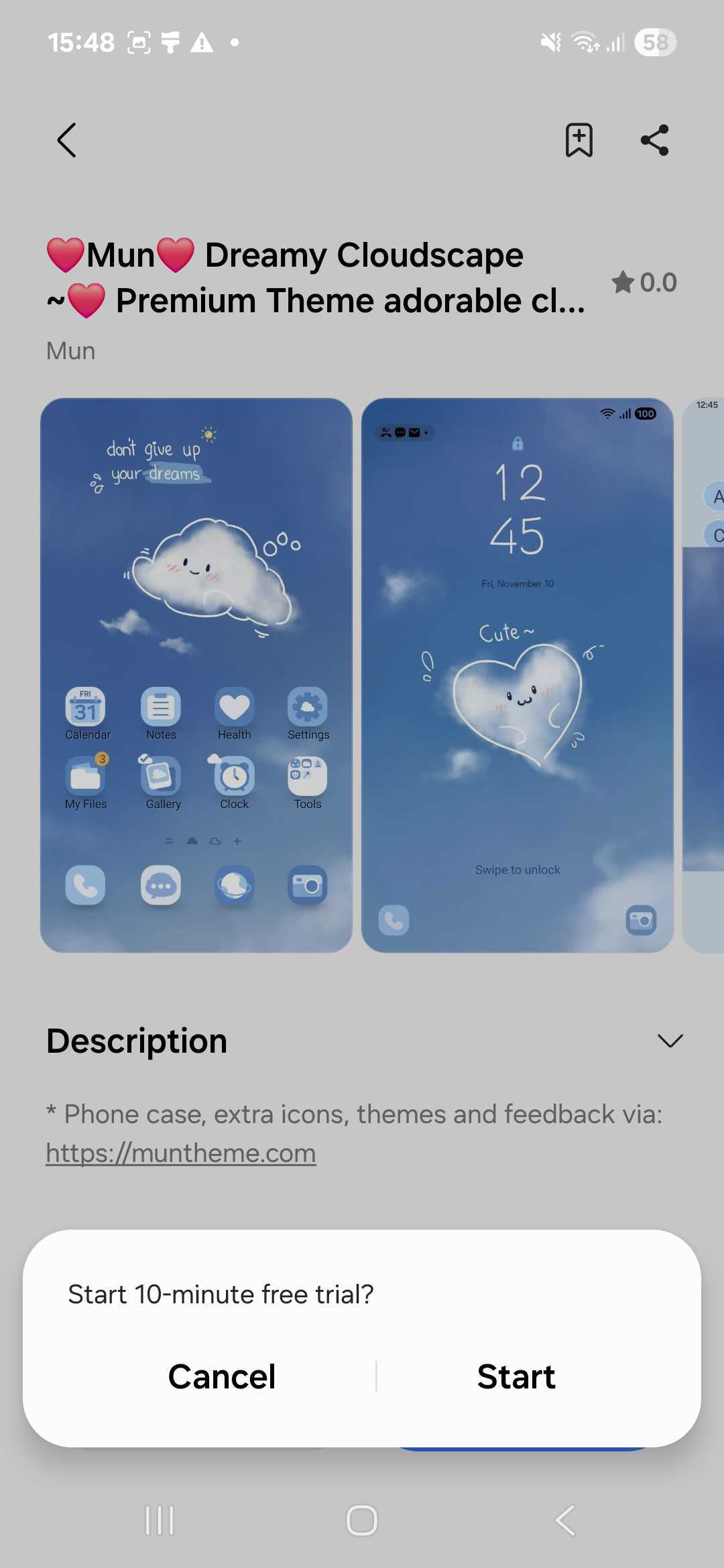
If you love the theme after trying it, simply return to the same page and tap Buy to keep it permanently. If not, you can try as many other themes as you like before deciding which one suits you best!
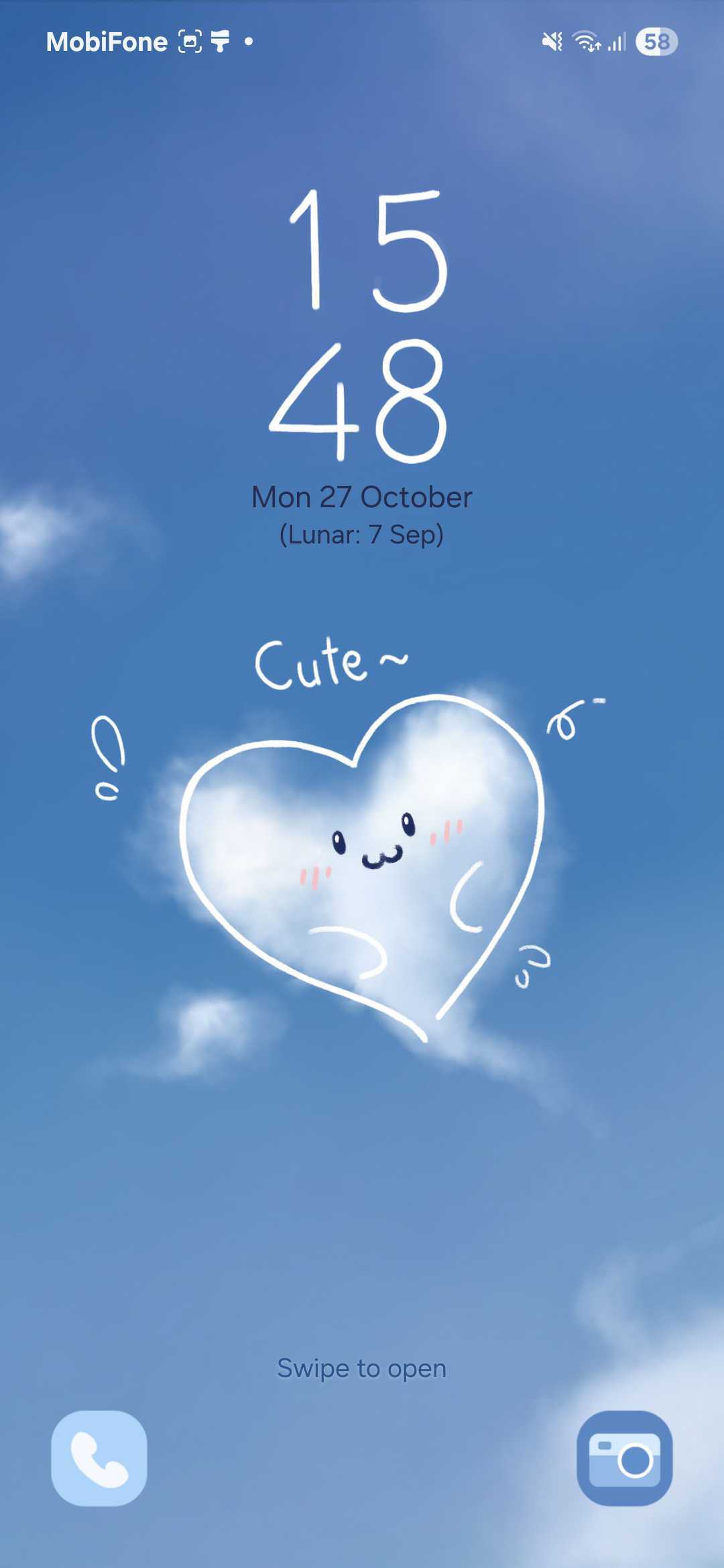
Enjoy exploring and making your Samsung phone uniquely yours with stunning themes from Mun and Sim!
Stay connected and never miss our newest designs:
You can preview Samsung Themes before purchasing! Learn how to use the 10-minute trial feature in just a few easy steps.
Explore Muntheme’s enchanting collection of premium Samsung Galaxy themes, from animated wonders to matching phone cases. Discover new releases, customize your icons, and personalize your

Discover 5 stunning Samsung themes that look premium — all crafted with care and available now in the Mun Theme Store.
Celebrate Halloween 2025 with 5 Samsung themes that bring cozy, spooky, and magical vibes to your phone.
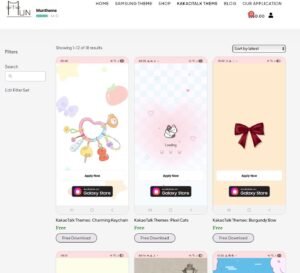
MunTheme now releases at least one new KakaoTalk theme each week! You can request one by reviewing your purchased Samsung Theme.

Are you a fan of Samsung Galaxy devices and their countless theme options but wish you could customize your default app icons beyond what the