

Description
About the Floral Notes Icon Pack
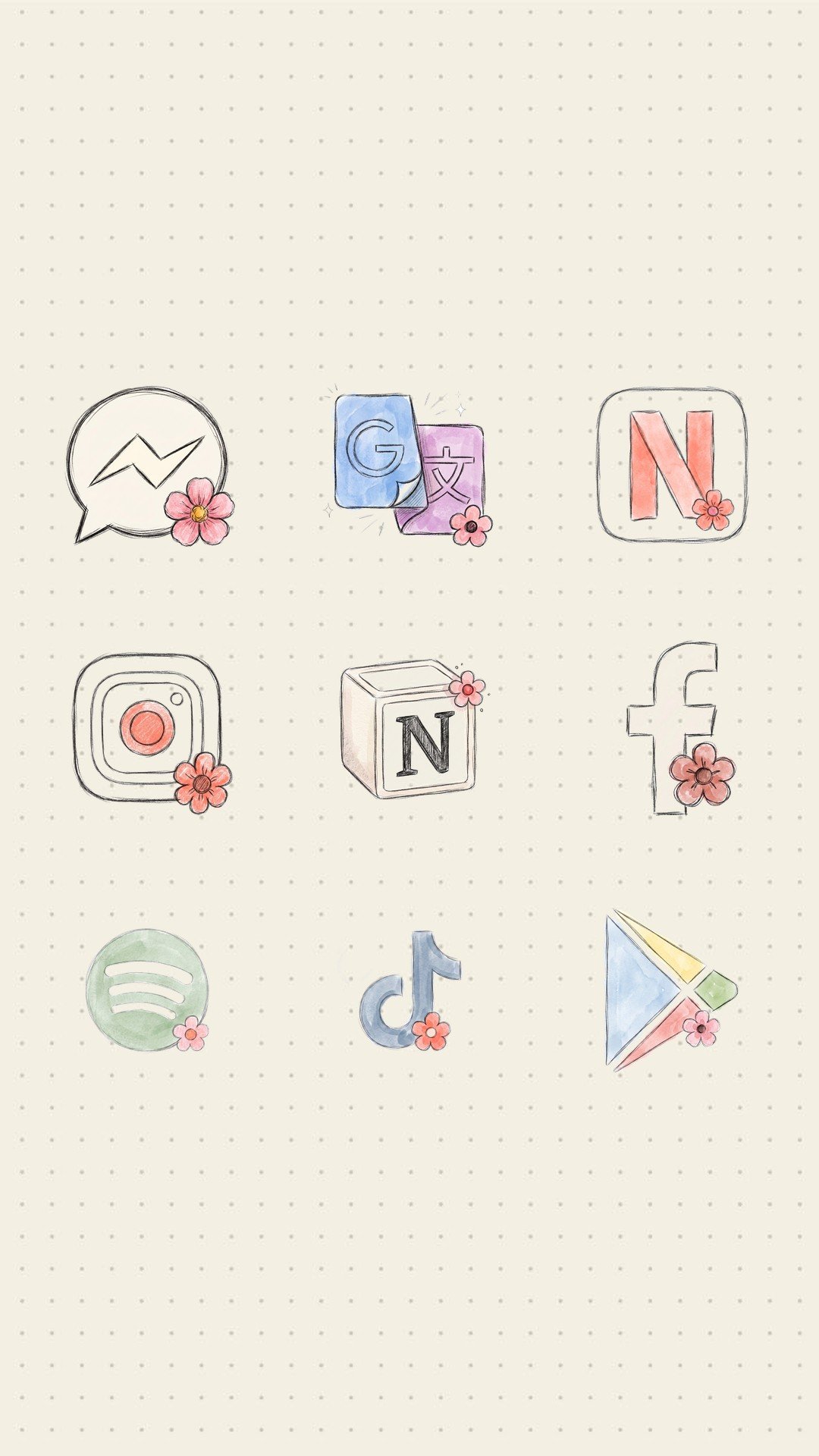
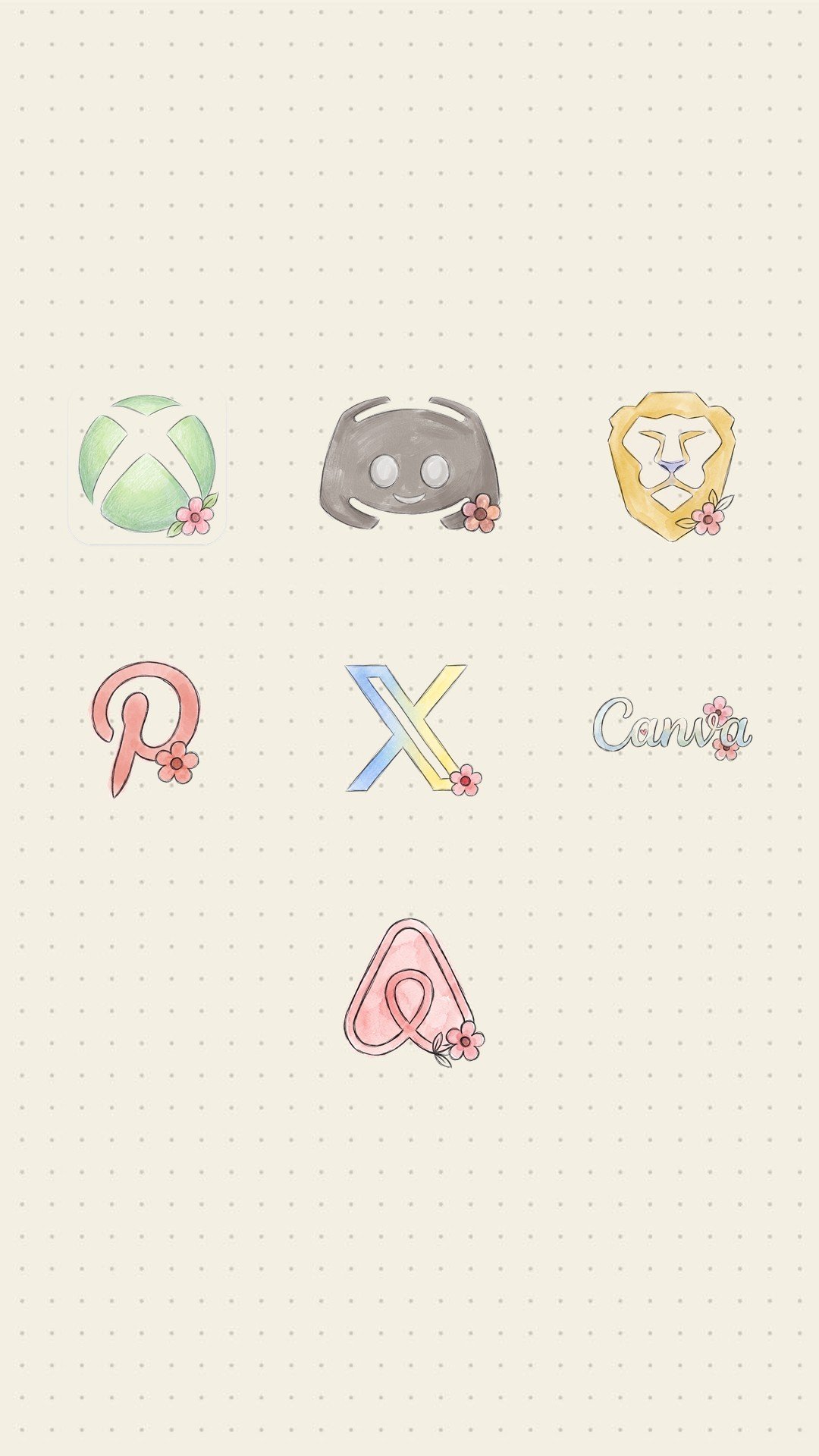
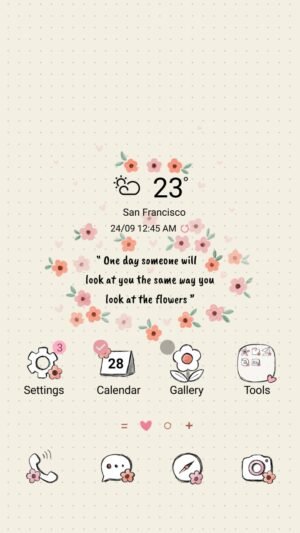
25 free custom app icons drawn by Mun to match the Floral Notes Samsung Galaxy theme, with a flowers, floral and bloom style. A Samsung theme changes the icons of the built-in apps — Phone, Camera, Gallery, Settings — but not the apps you download, such as Instagram, TikTok, YouTube, Facebook and 21 more. This pack fills that gap, so every icon on your home screen matches.
Supported Apps (25 Icons)
The Floral Notes icon pack has a custom icon for each of these apps:
- Messenger
- Google Translate
- Netflix
- Notion
- Spotify
- TikTok
- Google Play Store
- YouTube
- Steam
- Threads
- KakaoTalk
- Google Maps
- PayPal
- ChatGPT
- Twitch
- Opera
- Xbox
- Discord
- Brave
- X (Twitter)
- Canva
- Airbnb
Missing an app you use? Request it from the app and it may be added to a future update.
How to Apply the Floral Notes Icons
- Install Icon Changer – Mun for free from Google Play (the Free Download button on this page).
- Open the app and find the Floral Notes icon pack.
- Tap Apply Icon. The app adds the new icons to your home screen as shortcuts that open your apps.
- Optional: drag the original icons off the home screen. Your apps stay installed and keep working.
No third-party launcher is needed: the icons work with One UI Home on Samsung Galaxy phones and with most other Android launchers.
Complete the Floral Notes Look
- Samsung theme: the Floral Notes Samsung Galaxy theme restyles the lock screen, wallpapers and built-in app icons (also on the Galaxy Store).
- Browse more free designs in the Samsung theme collection and the KakaoTalk theme collection.
Frequently Asked Questions
Is the Floral Notes icon pack free?
Yes. The icons and the Icon Changer – Mun app are free to download.
Which apps get a new icon?
All 25 apps listed above: Messenger, Google Translate, Netflix, Instagram, Notion, Facebook, Spotify, TikTok, Google Play Store, YouTube, Steam, Threads, KakaoTalk, Google Maps, PayPal, ChatGPT, Twitch, Opera, Xbox, Discord, Brave, Pinterest, X (Twitter), Canva and Airbnb.
Do I need a custom launcher or root?
No. The app places the icons as home-screen shortcuts, so it works on a stock Samsung or Android phone.
Does it work on iPhone?
No. Icon Changer – Mun is an Android app.


Reviews
There are no reviews yet.