
Description
About the Horse Journey New Year KakaoTalk Theme
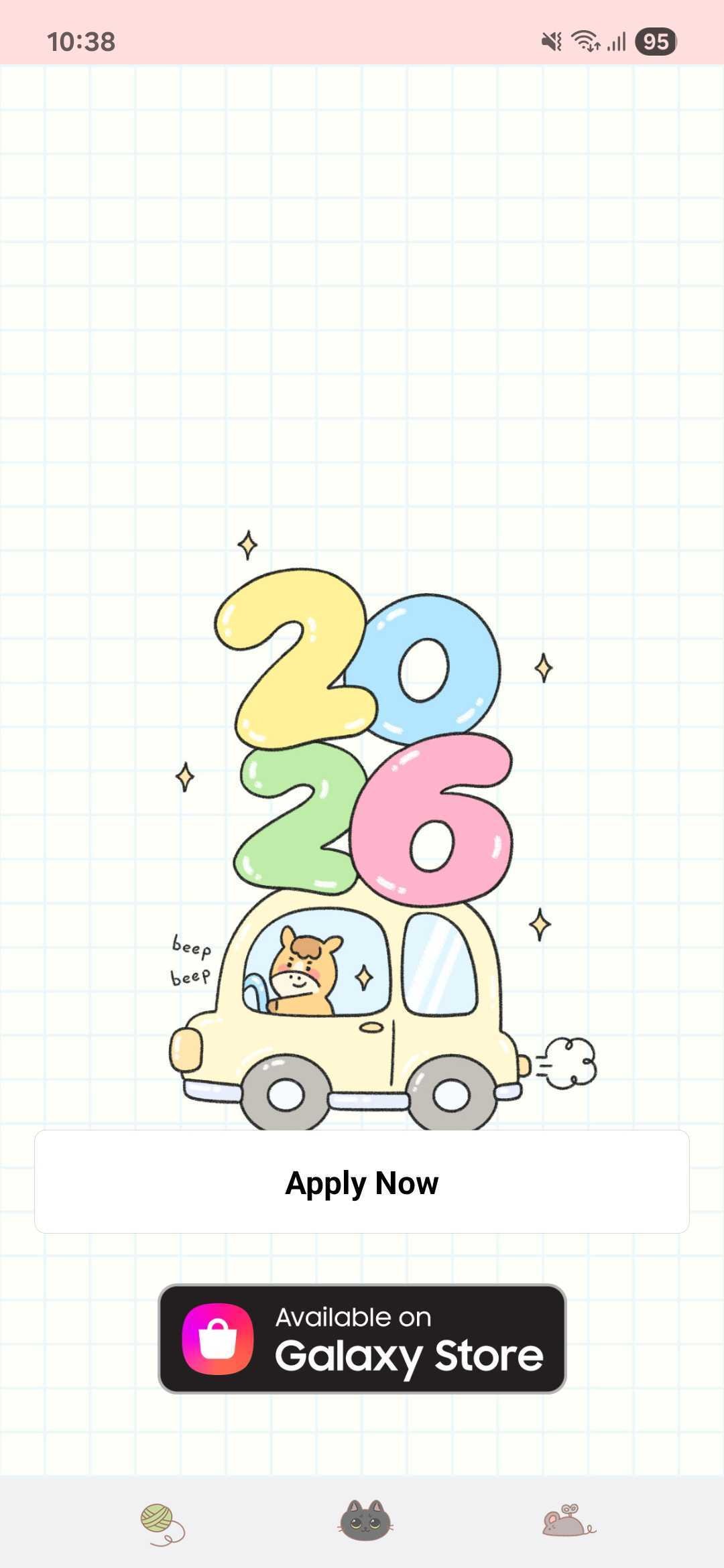
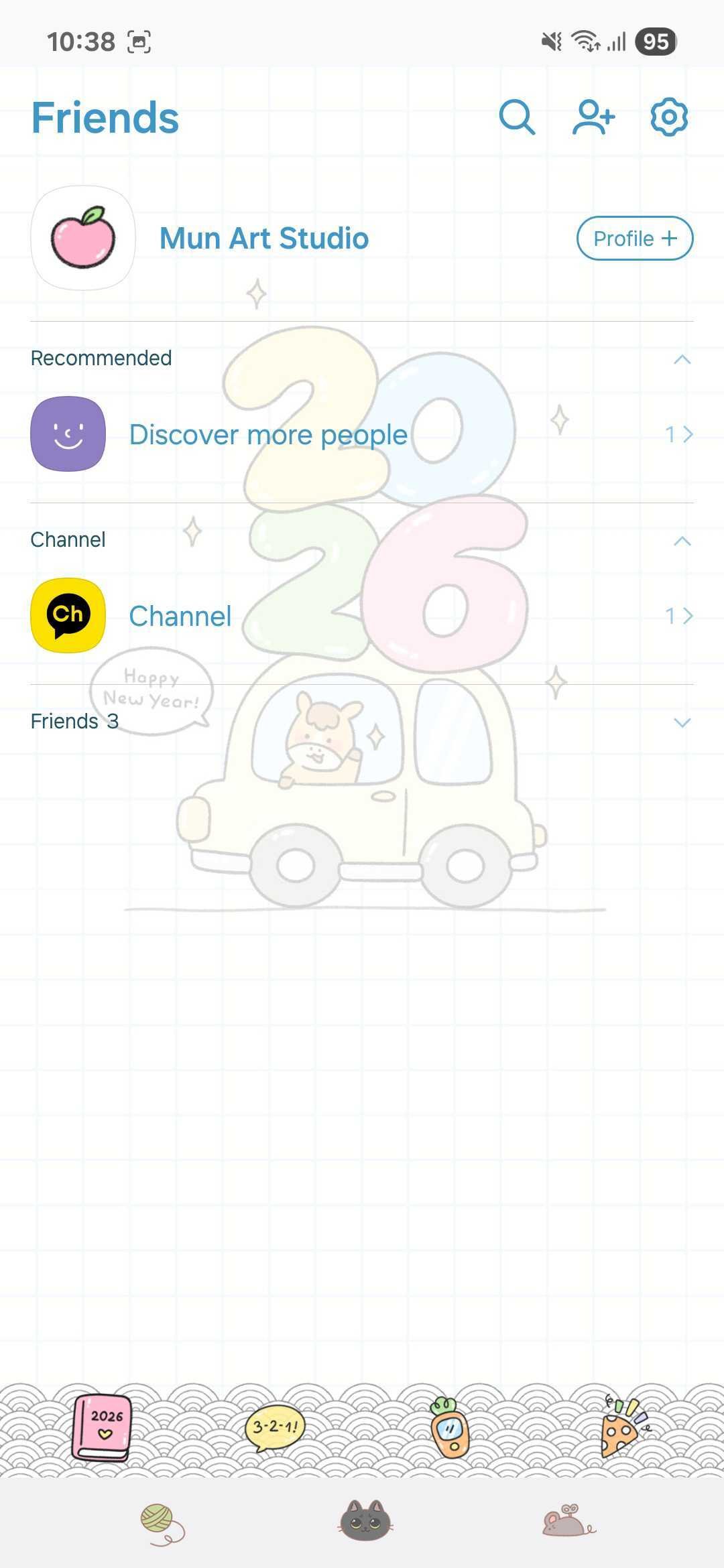
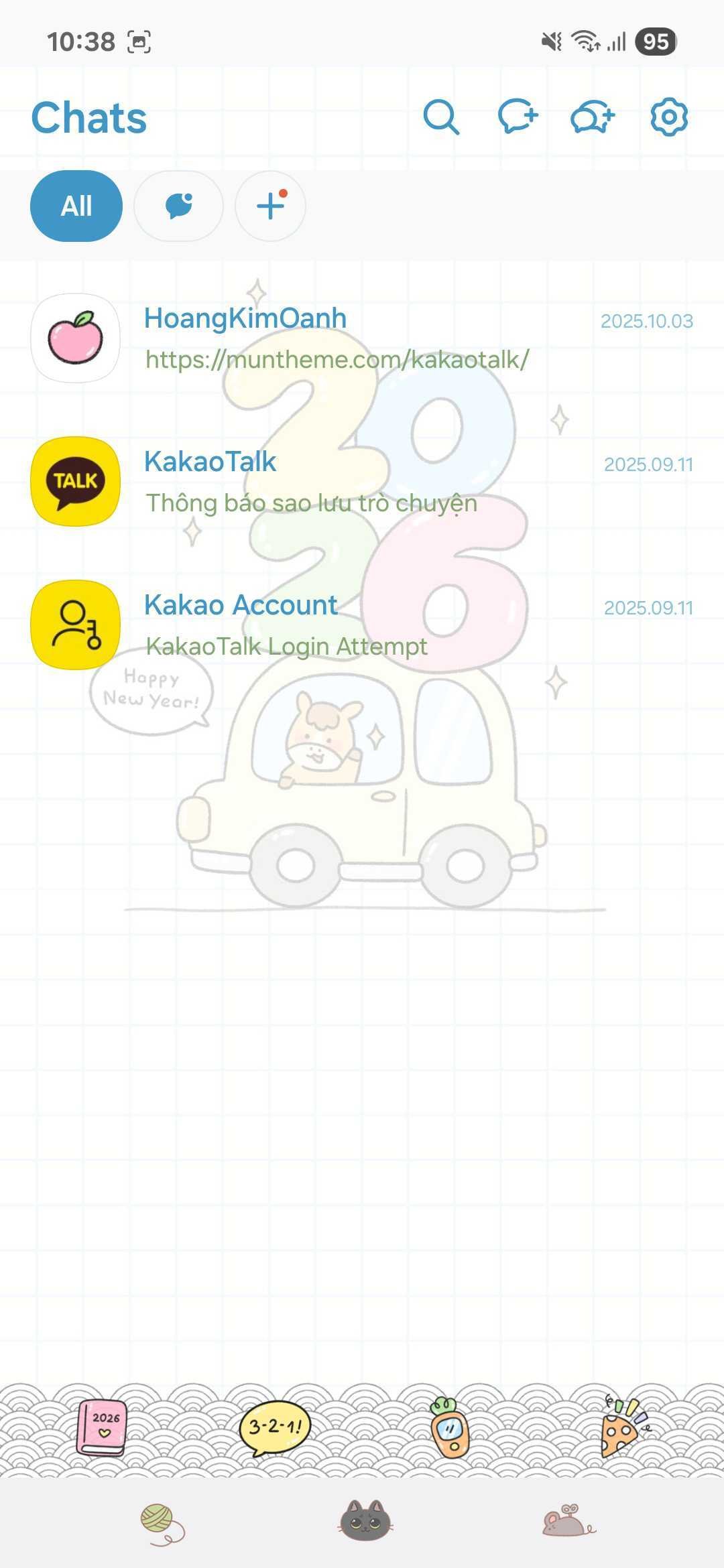
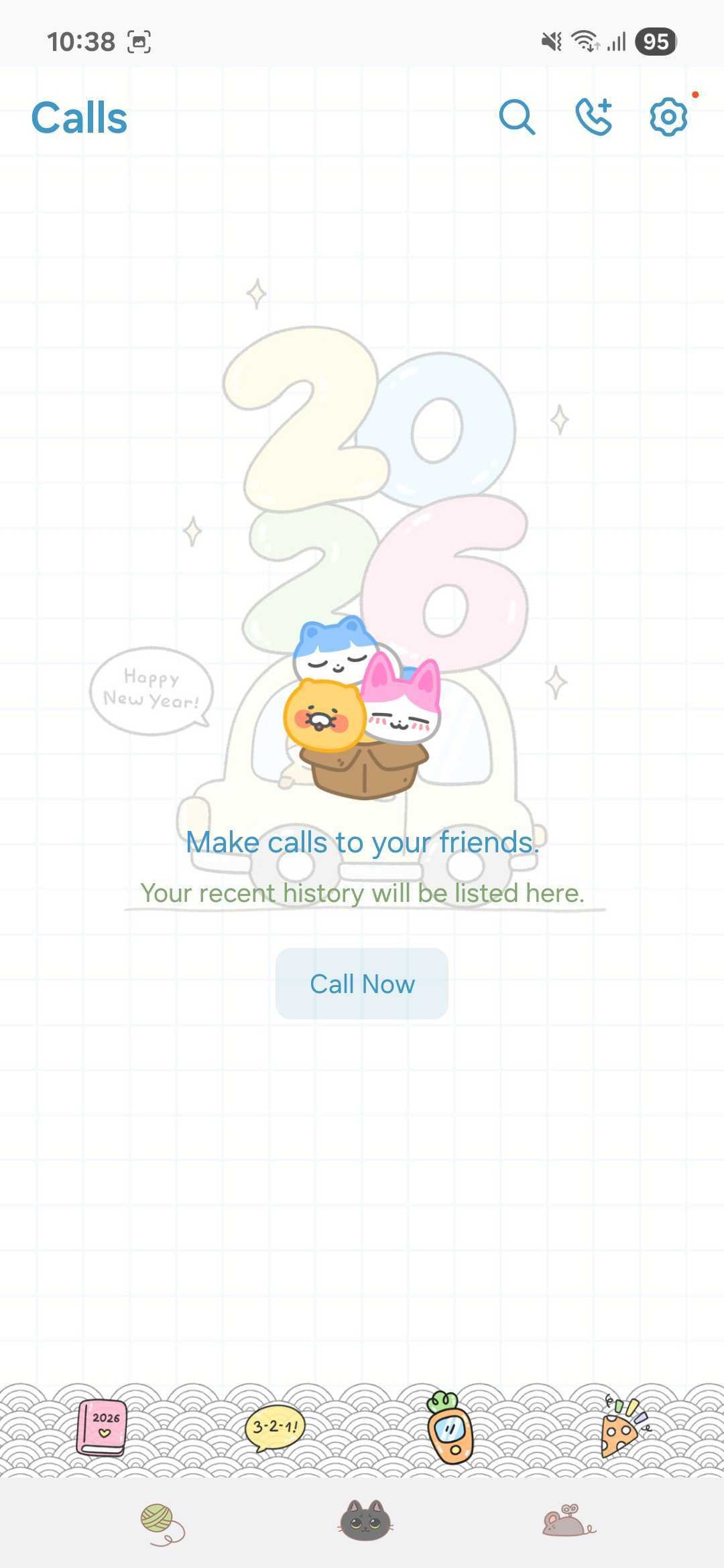
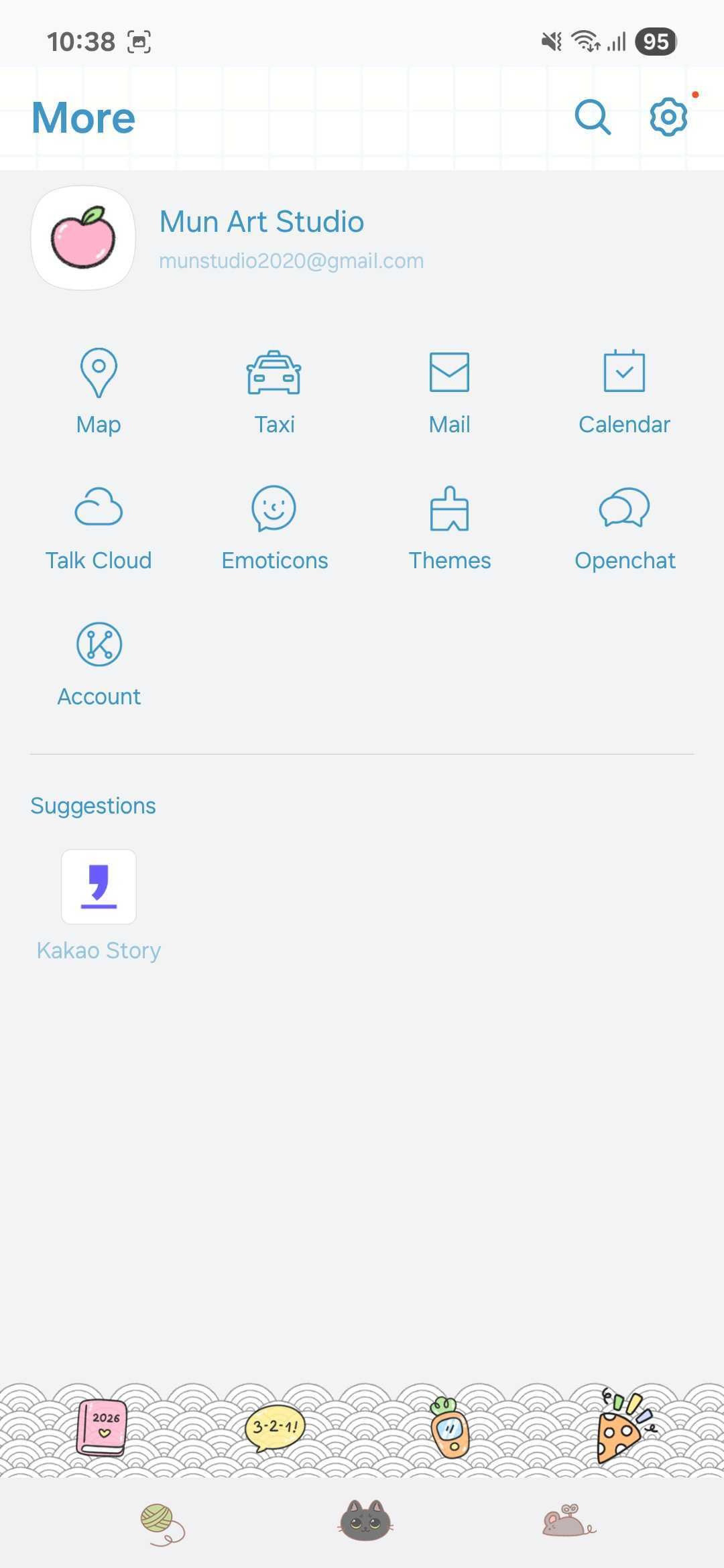
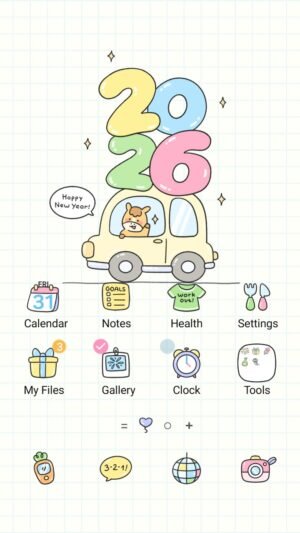
Horse Journey New Year is a free KakaoTalk theme for Android by Mun, designed around 2026, cute, horse and journey. It restyles KakaoTalk from the chat list to the chat rooms, and it is drawn to match the Horse Journey New Year Samsung Galaxy theme, so your home screen and your messenger share one look.
What the Theme Changes in KakaoTalk
- Chat room backgrounds and bubble colors
- Tab bar and in-app icons
- The passcode lock screen
- A matching color palette
Every Mun theme gets its own newly drawn icons; icons are never reused from another theme.
How to Install the Horse Journey New Year KakaoTalk Theme
- Tap Free Download on this page to download the theme’s APK file.
- Open the file from the download notification or from My Files > Downloads.
- If Android asks, allow Install unknown apps for your browser or My Files, then go back and tap Install.
- Open the theme app and tap Apply, or in KakaoTalk go to Settings > Theme and choose Horse Journey New Year.
To go back to the default look, choose the default theme in KakaoTalk’s Settings > Theme, or uninstall the theme app.
Complete the Horse Journey New Year Look
- Samsung theme: Horse Journey New Year Samsung Galaxy theme for your home screen, lock screen, wallpapers and system icons.
- More free themes in the KakaoTalk theme collection and the Samsung theme collection.
Frequently Asked Questions
Is the Horse Journey New Year KakaoTalk theme free?
Yes. It is free to download and use, with no account or sign-up.
Is it safe to install?
The APK is a theme package made by Mun. It only contains the theme’s images and colors and asks for no permission other than KakaoTalk’s own theme permission, so it cannot read your chats.
Which phones does it work on?
Any Android phone running Android 8.0 or later with KakaoTalk installed — Samsung Galaxy and other brands. KakaoTalk on iPhone does not accept Android theme files.
Can I request a KakaoTalk version of another Mun theme?
Yes. Send the theme name through the Contact Us page or email support@muntheme.com.



Reviews
There are no reviews yet.