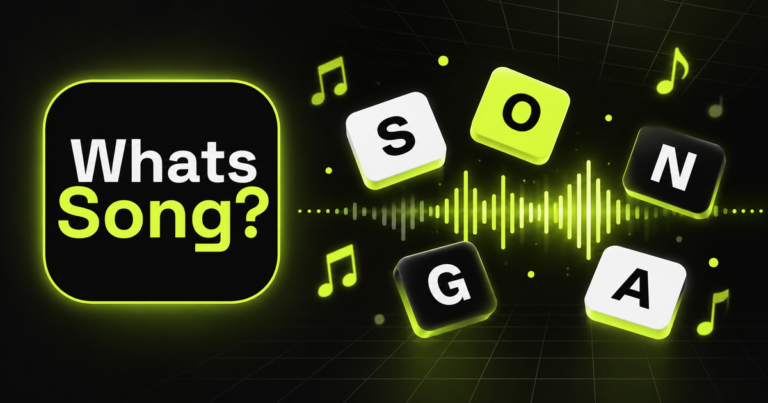

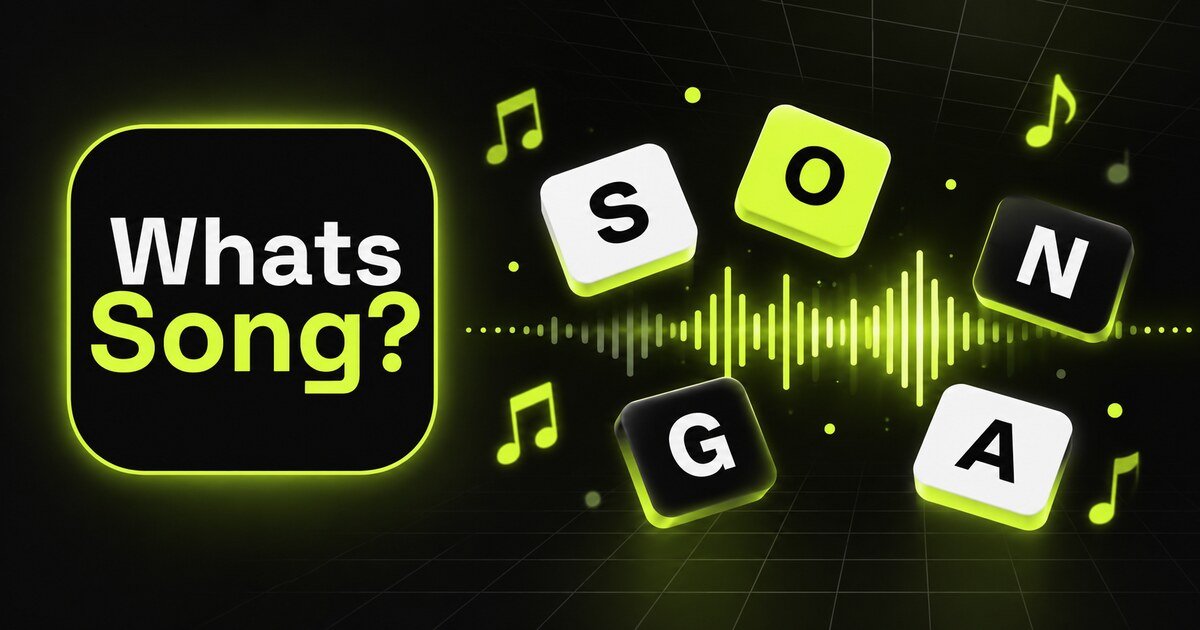
WhatsSong 3.0.0 adds an online 1 versus 1 Duel to iPhone. Instead of playing a long solo session, you face one opponent across five short song-guessing rounds.
What happens in a Duel?
Each match has five rounds. You get 45 seconds for each song, and the first player to win three rounds takes the Duel. The format is short enough for a quick match, but one difficult title can still change the result.
Listen before moving the letters
WhatsSong plays a clip and gives you scrambled letters for the title. Start with the part of the title you recognize, then use the remaining letters to test the rest. Moving every tile immediately can make a familiar answer harder to see.
Use a hint when the round is close
A hint reveals a letter. In a Duel, it can be useful when you recognize the song but cannot place one word before the 45-second timer ends. Save it for the moment when one confirmed letter can unlock the whole title.
Track results in Top Duelist
Version 3.0.0 adds a Top Duelist tab to the leaderboard. Use it to compare Duel results separately from the broader song-guessing leaderboard.
Practice with a personal quiz
If a genre or decade keeps catching you out, build a focused set in your personal library. The guide to building a personal music quiz with WhatsSong explains how to mix familiar tracks with harder choices.
Availability
The 1 versus 1 Duel is verified in WhatsSong 3.0.0 for iPhone. WhatsSong is available on the Apple App Store, Google Play, and Samsung Galaxy Store. Features can vary by platform and installed version.